
Google Meet
How Google Meet links work in Calendox — automatic Meet links on Google calendar events and booking pages, plus Meet links for Outlook events.
Google Meet works out of the box in Calendox: for any event on a Google calendar, selecting Google Meet adds a real Meet conference to the event — no separate connection needed, and personal Gmail accounts are fully supported. Connecting Google Meet as a meeting app is only required for one thing: adding Meet links to events on Microsoft calendars.
When do I need to connect Google Meet?
| You want Meet links on | Connection needed? |
|---|---|
| Events on your Google calendars | No — native, works immediately |
| Booking pages with a Google destination calendar | No — native, works immediately |
| Events on your Microsoft (Outlook) calendars | Yes — connect Google Meet under Meeting Apps |
Add a Meet link to a calendar event
- In the Unified Calendar, click Add Event (or open an existing event).
- In the Meeting field, select Google Meet. The dropdown shows which account will host the meeting.
- Save the event.
For events on Google calendars, the Meet conference becomes part of the event itself — attendees see Google Calendar's own Join with Google Meet button, hosted by that calendar's account.
For events on Microsoft calendars (requires the connection), Calendox creates a standalone Meet room with your connected Google account and saves the join link on the event, so attendees can join from Outlook.
How do I connect Google Meet?
Only needed for Meet links on Microsoft calendar events:
- Go to Settings → App and find the Meeting Apps section.
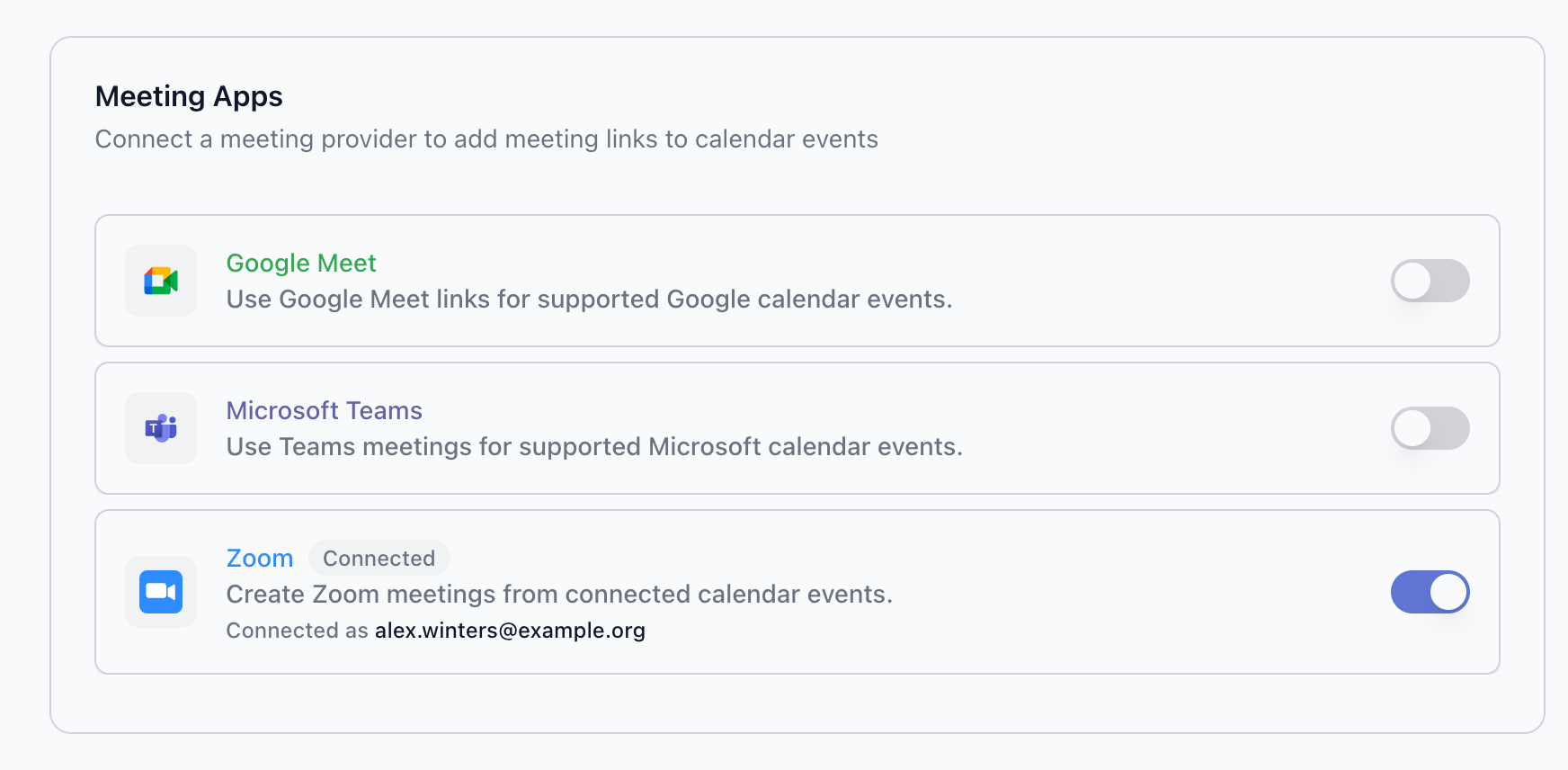
- Toggle Google Meet on. You're redirected to Google's sign-in and consent screen.
- Sign in with the Google account that will host your meetings, and allow the requested permissions — the standard Calendox calendar scopes plus
meetings.space.createdfor creating Meet links. See OAuth Permissions for the full list. - You're returned to Settings → App — the Google Meet row shows Connected with the hosting account ("Connected as …").
Google Meet on booking pages
On booking pages, Google Meet is available whenever the page's destination calendar is a Google calendar — personal Gmail included. The Meet link is generated with the booked event and appears on the booking confirmation, in the calendar invitation, and in reminder emails. If the destination is a Microsoft calendar, the editor shows Google destinations only — use Zoom, or switch the destination to a Google calendar.
If a booker reschedules, the event is moved in place and the Meet link stays the same.
How do I disconnect Google Meet?
Toggle Google Meet off under Settings → App → Meeting Apps — you'll receive a confirmation email. Existing events keep their Meet links, and native Meet on Google calendar events keeps working, because it uses your calendar connection rather than the meeting app connection.
To revoke Calendox's access at the Google level, visit myaccount.google.com/permissions and remove Calendox.
Troubleshooting
Google Meet is disabled ("Not connected") in the event form The event's calendar is a Microsoft calendar and Google Meet isn't connected as a meeting app. Connect it under Settings → App → Meeting Apps, or move the event to a Google calendar.
Google Meet is grayed out in the booking page editor The page's destination calendar isn't a Google calendar — Meet on booking pages requires a Google destination. Pick a Google destination or use Zoom.
"Google did not grant Calendox access to this account" during connection You cancelled Google's consent screen, or your organization restricts which third-party apps can access your Google account. Toggle Google Meet on again and allow the requested permissions, or ask your administrator to allow Calendox first.
"Required permissions were not granted" during connection All requested permissions must be allowed for the connection to work. Retry and leave every permission on Google's consent screen enabled.
Related
- What are Meeting Apps?
- Microsoft Teams — the equivalent for Microsoft calendars
- Meeting links and location
Zoom
How to connect Zoom to Calendox, add Zoom meeting links to calendar events and booking pages, use your Personal Meeting ID, and disconnect safely.
Microsoft Teams
How Microsoft Teams meeting links work in Calendox — Teams links on work or school calendar events and booking pages, and the personal-account limits.