
Now Available on Microsoft Marketplace
By CalendoxPublished Updated 5 min read
In short
Calendox is now available on Microsoft Marketplace. Microsoft certified the offer before it was published and has verified the organization that publishes Calendox, so a blue verified badge appears on the Microsoft Entra consent prompt. Buying through the Marketplace runs under the Microsoft Standard Contract, bills your existing Microsoft billing account and is managed in the Microsoft 365 admin center.
- Calendox is live on Microsoft Marketplace with Personal, Business and Enterprise plans, billed monthly or annually.
- Microsoft certifies every Marketplace offer before it's published, checking the publisher's eligibility, the listing's content and the offer's technical setup.
- Microsoft has verified the organization that publishes Calendox, so a blue verified badge appears on the Microsoft Entra consent prompt.
- Buying through the Marketplace puts Calendox under the Microsoft Standard Contract, on your existing Microsoft billing account or Azure subscription.
- Marketplace plans include a free trial run by Microsoft; its terms are shown at checkout.
Calendox is now available on Microsoft Marketplace. Microsoft certified the offer before it went live, and it has verified the organization that publishes Calendox. If your organization buys software through Microsoft, you can now get Calendox the same way: under the Microsoft Standard Contract, on your existing Microsoft bill.
Where do you find Calendox on Microsoft Marketplace?
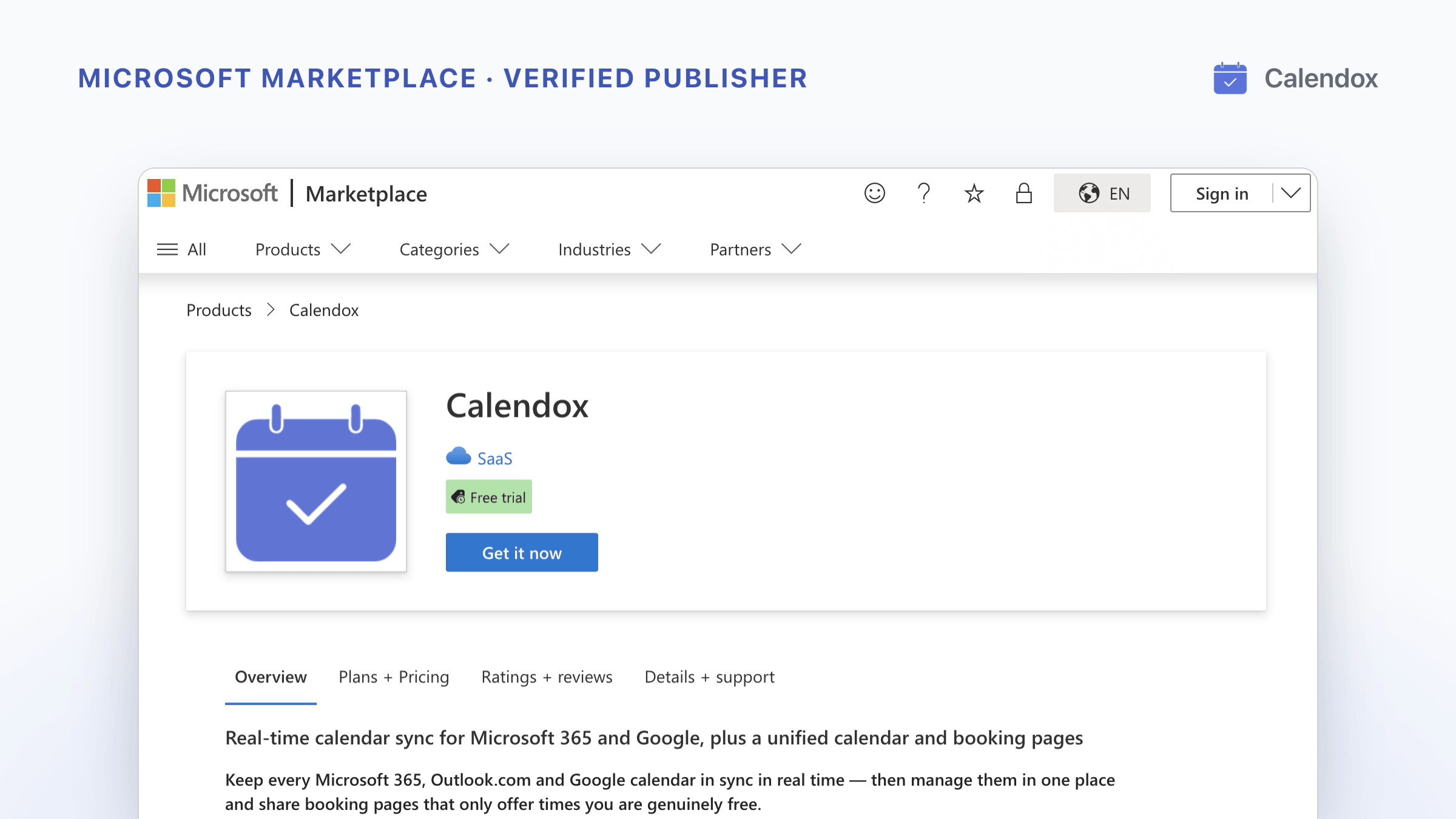
Open the Calendox listing on Microsoft Marketplace, or search for "Calendox" on Microsoft Marketplace. The listing shows a Free trial badge and a Get it now button, and describes Calendox as real-time calendar sync for Microsoft 365 and Google, plus a unified calendar and booking pages. It keeps your Microsoft 365, Outlook.com and Google calendars in sync.
The Plans + Pricing tab lists every plan: Personal and Business (Basic, Standard and Premium) and Enterprise, billed monthly or annually. Prices are the same as buying by card on our pricing page.
What did Microsoft check before Calendox went live?
Two separate checks stand behind the listing.
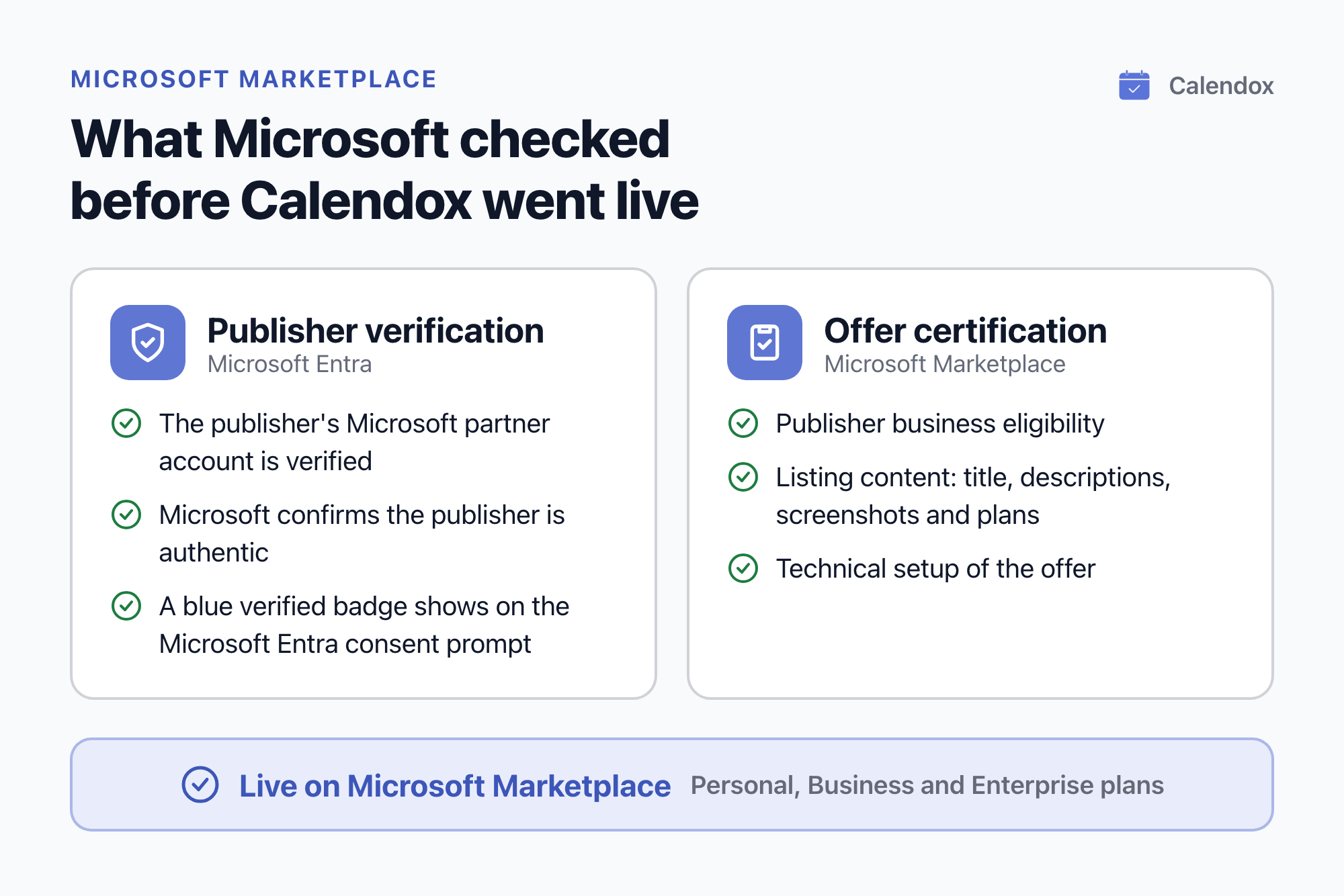
- Offer certification. Microsoft Learn says offers submitted to Microsoft Marketplace must be certified before they're published. Certification checks the publisher's business eligibility, the listing's content, such as its title, descriptions, screenshots and plans, and the offer's technical setup. An offer that fails gets a report and doesn't go live until it's fixed and passes.
- Publisher verification. Microsoft has verified the organization that publishes Calendox. Microsoft Learn says a verified publisher means "the organization that publishes the app has been verified as authentic by Microsoft". It rests on a verified Microsoft partner account linked to the app.
What does the verified badge mean for you?
When you connect a work or school Microsoft account to Calendox, Microsoft shows a consent prompt that lists the access Calendox asks for, and you or your administrator approve it there. Because the publisher is verified, the Microsoft Entra consent prompt carries a blue verified badge. Microsoft also shows the badge on the enterprise apps page that administrators use.
Microsoft is clear about what the badge covers: it tells you who publishes an app. It doesn't rate the app's quality or say that the app holds a certification or meets an industry standard.
What changes when you buy through Microsoft Marketplace?
The product is the same. What changes is how you buy and manage it:
- The Microsoft Standard Contract. Microsoft is the transacting party, so there's no new vendor to onboard.
- Your existing Microsoft bill. Charges go to the billing account or Azure subscription you pick at checkout. Microsoft handles the payment, and Calendox never sees your payment details.
- The Microsoft 365 admin center. Plan and seat changes are made under Billing → Your products, next to your other Microsoft-billed subscriptions. You can cancel there, or in Calendox under Settings → Billing.
- A free trial run by Microsoft. Marketplace plans include a free trial run by Microsoft; its terms are shown at checkout. It doesn't add to the 14-day free trial at calendox.com: activating a Marketplace subscription ends any remaining calendox.com trial on that account.
Which plan should you choose?
- Personal is for one person, so it always covers one user.
- Business is for a team. You choose the number of seats, administrators assign them, and each licensed member connects their own calendars. Personal and Business both include the unified calendar and booking pages.
- Enterprise keeps calendars in sync between two or more Microsoft 365 tenants, such as yours and a partner's, contractor's or subsidiary's, and is priced per imported calendar. It's tenant-to-tenant sync only, without the unified calendar or booking pages.
Account types compares the three in detail.
How do you buy Calendox on Microsoft Marketplace?
- Open the Calendox listing and sign in with your work Microsoft account.
- Select Get it now, pick a plan and choose monthly or annual billing. On a Business plan, choose the number of seats.
- At checkout, select the billing account or Azure subscription for the charges, review the terms and confirm the purchase.
- Select Configure account now. Microsoft sends you to Calendox to link the subscription.
- Sign in with your Microsoft account. Activation is automatic, and a Calendox account is created if you don't have one.
- Connect your calendars and create your first sync. On Enterprise, connect your Microsoft 365 tenants instead.
The Microsoft Marketplace guide covers activation and managing the subscription step by step. Prefer to try Calendox first? Sign up at calendox.com for the 14-day free trial, no credit card required, and subscribe on the Marketplace when you're ready.
What else do people ask about Calendox on Microsoft Marketplace?
Is it the same Calendox as on calendox.com?
Yes. It's the same product with the same plans and prices. Buying through the Marketplace changes only how you pay for it and where you manage the subscription.
Can I switch from a card subscription to the Marketplace?
Yes, once the card subscription ends. On a Personal or Enterprise account, an active card subscription must end before a Marketplace subscription can activate. On a Business account, only a card subscription for the same plan tier has to end first.
What happens if Microsoft can't collect a payment?
If Microsoft suspends the subscription, your syncs keep running while you sort out the payment in the Microsoft 365 admin center, and Calendox shows a banner that links there. If Microsoft cancels the subscription, your syncs pause until you subscribe again.
Who handles refunds?
Microsoft. Refunds for Marketplace purchases, and the timing of a cancellation made in the Microsoft 365 admin center, follow Microsoft's commercial marketplace terms shown at checkout.
Sources
Related reading
Calendox vs Calensync: Multi-Way Sync, Bookings and Price
Calendox and Calensync compared: calendars, one multi-way sync or a rule per direction, unified calendar, Zoom and Teams booking links, tenant sync and price.
Calendox vs CB Exchange Server Sync: Tenant Sync and Price
Calendox and CB Exchange Server Sync compared: what each syncs, price per user or calendar against price per pair, Microsoft 365 tenant pairing and trials.
Calendox vs Multical: Multi-Way Sync, Teams and Pricing
Calendox and Multical side by side: how syncs are set up, what copies show, unified calendar, booking pages, team accounts, Microsoft 365 tenant sync and price.