
Calendox vs Calensync: Multi-Way Sync, Bookings and Price
By CalendoxPublished Updated 9 min read
Calendox publishes this page and is one of the two products compared. Calensync details come from the public sources linked under Sources; we have not tested Calensync hands-on. How we compare
In short
Calendox and Calensync sync Google and Outlook calendars. One Calendox multi-way sync keeps several calendars in step; Personal and Business plans add a unified calendar and Zoom or Teams booking links; Enterprise syncs Microsoft 365 tenants. Calensync adds Apple Calendar and ICS feeds and costs less per person than Calendox Basic, Standard and Premium. Calendox suits people wanting one sync and one calendar view.
- One Calendox multi-way sync keeps two or more calendars in step in every direction. On Calensync, each rule copies one source calendar to one destination, so a two-way sync is a rule in each direction.
- Calendox Personal and Business plans include a unified calendar and booking pages with Google Meet, Microsoft Teams or Zoom links. Zoom and Teams links are not listed on Calensync's website.
- Calensync's one plan costs less per person than Calendox Basic, Standard and Premium. Calendox's plans cap connected calendars at 2, 5 or 25 and include multi-way sync and the unified calendar.
- Calendox Enterprise syncs calendars between Microsoft 365 tenants after one admin consent per tenant. An admin-run tenant sync is not listed on Calensync's website.
- Calendox's free trial runs 14 days and Calensync's 7. Neither asks for a credit card.
Why Calendox
One sync, every direction
Create, change or delete an event in any calendar of a multi-way sync and the others follow, with no separate rule for each direction.
One calendar view that writes back
On Personal and Business plans, one calendar with six views shows every connected calendar, and a new event or an edit made there is written to its Google, Microsoft or Exchange Server calendar.
Zoom and Teams links on booking pages
Each booking can get a Google Meet, Microsoft Teams or Zoom link where the destination calendar supports it, and Zoom works with any destination, Exchange Server included.
Microsoft 365 tenant-to-tenant sync
An Enterprise admin syncs calendars between Microsoft 365 tenants after one consent from each tenant's administrator; employees never sign in.
Feature comparison
| Feature | Calendox | Calensync |
|---|---|---|
| Three or more calendars in one sync (Calendox advantage) | Yes, Up to 25 on Premium, separate accounts | Partly, One source, one destination per rule [3] |
| Unified calendar (Calendox advantage) | Yes, Web app, Personal and Business | Not listed on Calensync's website [1] |
| Booking pages with Zoom or Microsoft Teams links (Calendox advantage) | Yes, Teams needs a work or school calendar | Not listed on Calensync's website, Scheduling links; Google Meet in its app [6] |
| Microsoft 365 tenant-to-tenant sync (Calendox advantage) | Yes, Admin-run, on Enterprise accounts | Not listed on Calensync's website, Each person sets up their own sync [4] |
| 14-day free trial, no credit card (Calendox advantage) | Yes, Premium-level on Personal and Business | Partly, 7 days, no card [1] |
| Apple iCloud or other calendar services | No, No iCloud; Exchange Server is supported | Yes, Apple Calendar and read-only ICS feeds [1] |
| One-way and multi-way sync | Yes, On every plan | Yes, Two-way from two one-way rules [3] |
| Events copied up to a year ahead | Yes, First copy: last month to a year ahead | Yes, Up to 5 years ahead [1] |
| Near real-time Google and Microsoft sync | Yes, Typically under a minute | Yes, 1 second to a few minutes, per its FAQ [1] |
| Field choice and event filters | Partly, Fields and privacy, no filters | Yes, Filters, colors and exclusions [1] |
| More than 25 calendars per user | No, Up to 25 on Premium, with 25 syncs | Yes, Unlimited accounts and sync mappings [1] |
| Team administration | Partly, Roles and seats, no SAML or SCIM | Partly, Central billing, own sync per member [4] |
- Yes
- Partly
- No
- Not listed on Calensync's website
- Calendox advantage
Pricing compared
| Scenario | Calendox | Calensync |
|---|---|---|
| One person with 2 calendars, billed monthly (billed per user) | Basic, $5/month | One paid plan, $4/month (US price shown by the pricing widget, and prices vary by country; unlimited linked accounts and sync mappings) [5] |
| One person with 2 calendars, billed annually (billed per user) | Basic, $4/month billed annually ($48/year) | One paid plan, $35/year (US price shown by the pricing widget, and prices vary by country; unlimited linked accounts and sync mappings) [5] |
| One person with up to 5 calendars, billed annually (billed per user) | Standard, $7/month billed annually ($84/year) | One paid plan, $35/year (US price shown by the pricing widget, and prices vary by country; unlimited linked accounts and sync mappings) [5] |
| One person with 6 to 25 calendars, billed annually (billed per user) | Premium, $17/month billed annually ($204/year) | One paid plan, $35/year (US price shown by the pricing widget, and prices vary by country; unlimited linked accounts and sync mappings) [5] |
Calendox prices are in USD, and taxes may apply by country. Calensync prices are as published on its website.
Details
| Feature | Calendox | Calensync |
|---|---|---|
| Calendars supported | Google Calendar, Microsoft Outlook (personal Microsoft accounts and Microsoft 365) and on-premises Exchange Server 2016 or later (your own mailbox calendars). No Apple iCloud, CalDAV or ICS feeds. | Google Calendar, Outlook and Apple Calendar (connected with an app-specific password), plus iCalendar (.ics) feeds as read-only sources. [1] |
| Sync directions | One-way: one source copied into targets in other connected accounts. Multi-way: two or more calendars, each from a different connected account, in one sync. A calendar can be in only one sync. | Each rule copies one source calendar to one destination, and a two-way sync is a rule in each direction. Several calendars merge into one with several rules. [3] |
| Update speed | Google and Microsoft notify Calendox as soon as an event changes, typically under 30 seconds from Google and 60 from Microsoft. Exchange Server changes arrive within about 5 minutes; not guaranteed. | “Typically between 1 second to a few minutes, depending on the service”, per the FAQ on its home page. [1] |
| Unified calendar | All your connected Google, Microsoft and Exchange Server calendars in one working calendar with six views, in the web app. Events you create or edit there are written back. Not on Enterprise. | Not listed on Calensync's website. The “unified view” in its FAQ means calendars merged into one of your existing calendars with sync rules. [1] |
| Booking pages | Basic 2; Standard and Premium unlimited (fair-use limits apply), with Google Meet, Zoom or, on work or school Microsoft calendars, Microsoft Teams links. Not on Enterprise | Meeting scheduling links in the plan, each with working hours and a source calendar, with an optional Google Meet link in its app. Zoom or Microsoft Teams links are not listed on Calensync's website. [6] |
| Team administration | Business accounts have Admin and Member roles, per-seat billing for the team, and licenses that admins assign to members. | Centralized billing for the team, with a subscription added only when a member joins. Administrators manage all subscriptions from one dashboard, and each member sets up their own sync. [4] |
| Microsoft 365 tenant-to-tenant sync | Enterprise accounts sync calendars between two or more Microsoft 365 tenants. Each tenant's administrator consents once, so no employee has to sign in. | Not listed on Calensync's website. Each person sets up their own calendar sync, and team administrators manage subscriptions and members, not calendars. [4] |
| Trial | 14-day free trial, no credit card required. On Personal and Business it carries Premium-level limits; if it ends without a subscription, syncs pause. | 7-day free trial, with no credit-card commitment. [1] |
Choose Calendox if…
- You want one multi-way sync to keep several calendars in step in every direction, rather than a rule for each direction.
- You want one calendar view where you see and edit your Google, Microsoft and Exchange Server calendars, rather than merging them into one of your existing calendars with sync rules.
- Your booking pages need Microsoft Teams or Zoom links as well as Google Meet.
- Your calendars sit in two or more Microsoft 365 tenants and one administrator should connect them, with one consent per tenant, rather than each employee setting up their own sync.
- You want 14 days at Premium-level limits on a Personal or Business account with no credit card, twice Calensync's 7-day trial.
Questions
How is Calendox different from Calensync?
Calendox keeps two or more calendars in step with one multi-way sync. Its Personal and Business plans add a unified calendar and booking pages with Google Meet, Microsoft Teams or Zoom links. Calensync copies events with one rule per source and destination, and its one plan lists Apple Calendar and ICS feeds, unlimited linked accounts and sync mappings, and scheduling links. Calendox syncs one-way or multi-way between Google, Microsoft and on-premises Exchange Server calendars. On Enterprise it syncs calendars between Microsoft 365 tenants.
How many syncs does it take to keep three calendars in step?
One in Calendox. A multi-way sync holds two or more calendars, each from a different connected account. Every calendar in it is both source and target: add, change or delete an event in any of them and the change reaches the rest. Multi-way sync is on every plan and in the trial, and the whole sync takes one sync slot.
On Calensync, each rule copies one source calendar into one destination: its Google example creates one rule from the work calendar into the personal one and another back, from the personal calendar into the work one. Its Apple Calendar announcement describes creating a rule in the direction you need. Keeping three calendars in step in every direction takes a rule for each direction you want covered, and Calensync lists unlimited sync mappings.
Is Calendox cheaper than Calensync?
No. Calensync's one plan costs less per person than Calendox Basic, Standard and Premium, billed monthly or annually, and it lists unlimited linked accounts and sync mappings. The pricing table above prices each scenario per person, using Calensync's US price; its pricing widget shows a local price by country.
The plans include different things. Calendox Basic, Standard and Premium allow 2, 5 or 25 connected calendars and the same number of syncs. Each includes multi-way sync and the unified calendar. Booking pages are included too: 2 on Basic, unlimited on Standard and Premium with fair-use limits. A Business team pays the same per seat, and plans and billing lists every plan's limits. Current prices are on the pricing page, in US dollars, and taxes may apply.
Calendox Enterprise is priced per imported secondary-tenant calendar, not per user, and covers admin-run sync between Microsoft 365 tenants, so the table doesn't set it against Calensync's per-person plan.
Which calendars connect to Calendox and to Calensync?
Calendox connects three providers. Google Calendar works with Gmail and Google Workspace accounts, and Microsoft Outlook with Outlook.com, Hotmail, Live.com and Microsoft 365 work or school accounts. On-premises Exchange Server 2016 or later connects the calendars in your own mailbox, with your mailbox address and Exchange password. Apple iCloud, CalDAV and ICS feeds are not supported. Calendars you can only view can't be imported, and Microsoft calendars owned by another mailbox can't be synced from your account.
Calensync's home page lists Google, Outlook, Apple and iCalendar (.ics) calendars, with ICS feeds as read-only sources. Apple Calendar connects with an app-specific password, and Calensync's May 2026 announcement describes Apple Calendar as a source and a destination.
Which Calendox features go beyond calendar sync?
A unified calendar you work in and booking pages, both on every Personal and Business plan. Calensync's FAQ says you can merge calendars from different providers for a unified view. That means copying their events into one of your existing calendars with sync rules. Calendox also gives you a calendar of its own.
- Unified calendar. Your connected Google, Microsoft and Exchange Server calendars appear together in one working calendar in the web app, color-coded, with six views from Agenda to Year. Create or edit an event there and Calendox writes it to the calendar it belongs to. A calendar view is not listed on Calensync's website.
- Booking pages. A booking page offers only the slots that are free across every connected calendar, unless you limit it to chosen calendars. Each booking can carry a Google Meet, Microsoft Teams or Zoom link. Meet works on a Google destination calendar, Teams on a work or school Microsoft one, and Zoom on any destination, Exchange Server included, once Zoom is connected. Basic has 2 pages; Standard and Premium have unlimited pages, with fair-use limits. Calensync's plan lists meeting scheduling links, each with working hours and a source calendar behind it. Zoom and Microsoft Teams links are not listed on Calensync's website. Its app offers an optional Google Meet link (Calensync's dashboard app code).
Enterprise accounts have the tenant sync only, with neither feature.
How does Calendox sync calendars between Microsoft 365 tenants?
With an Enterprise account, which an administrator runs for whole organizations rather than each employee for their own calendars. The administrator of each Microsoft 365 tenant consents once, so employees never sign in, and the Calendox admin then imports and pairs calendars from a tenant dashboard. On Calensync's teams page, each person configures their own calendar sync, and administrators manage the team's subscriptions from one dashboard. An admin-run sync between Microsoft 365 tenants is not listed on Calensync's website.
The first tenant you connect is the master tenant, and its calendars are free; every secondary-tenant calendar you import takes a seat. Pairs form on their own when the email username and the calendar name both match, and you add the rest by hand or from a CSV file. A sync needs at least two connected tenants, and only Microsoft 365 tenants can be connected. What Microsoft 365 shares between tenants without a sync tool is covered in our guide to tenant-to-tenant calendar sharing and sync.
How do the trials compare?
Calendox gives you 14 days and Calensync 7, and neither asks for a credit card. On a Personal or Business account the Calendox trial runs at Premium-level limits, which means 25 calendars, 25 syncs, unlimited booking pages with fair-use limits, multi-way sync and the unified calendar. An Enterprise trial can sync up to 5 imported secondary-tenant calendars, counted across all secondary tenants. Your syncs pause if the trial ends without a subscription, and your connections and settings stay until you subscribe. Members of a Business team each use their own trial until the team subscribes.
Calensync's home page offers a 7-day free trial with no credit-card commitment.
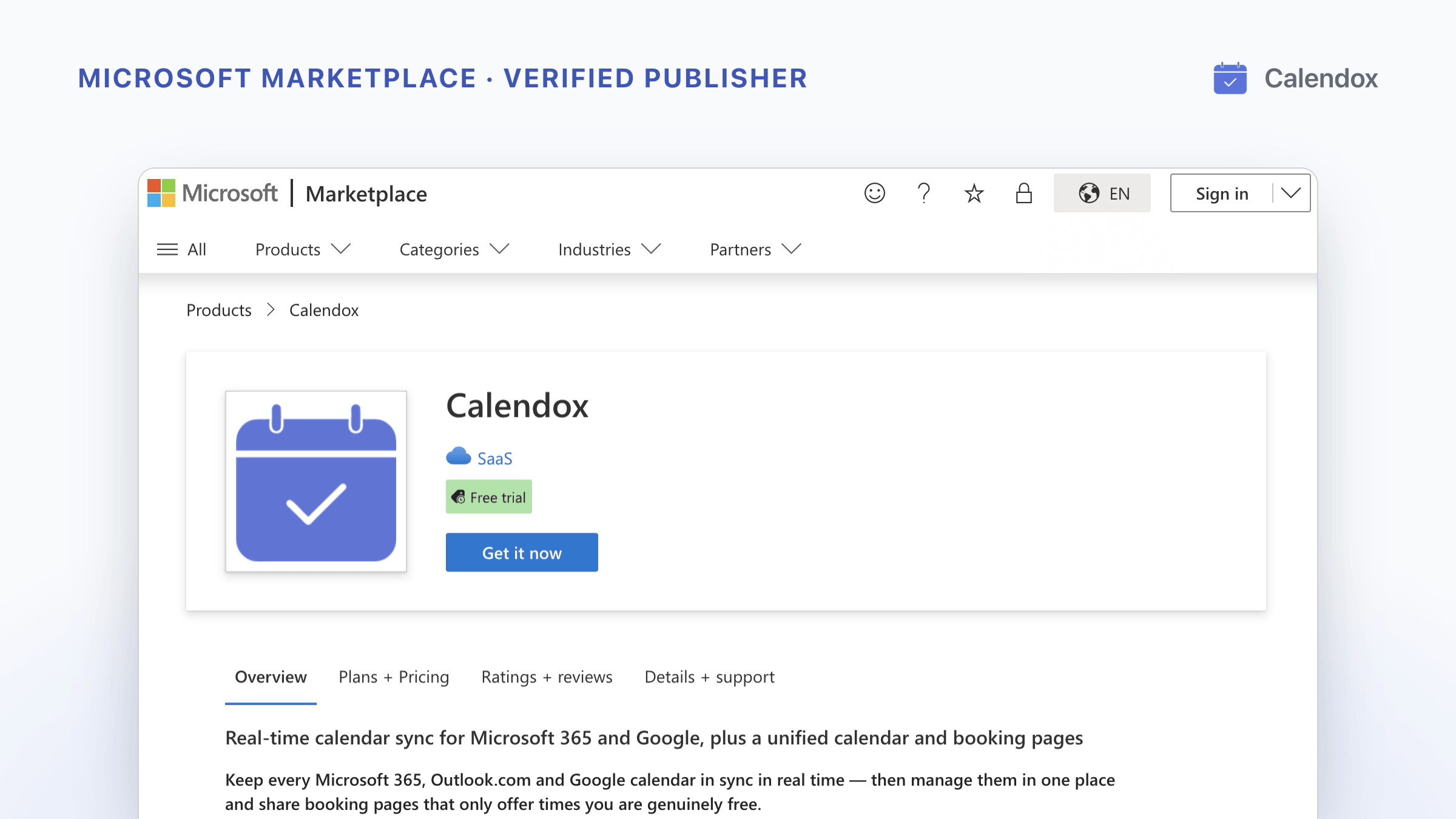
Calendox is also sold through Microsoft Marketplace, where plans include a free trial run by Microsoft on terms shown at checkout.
Sources
- Calensync: home page, features, pricing and FAQ
- Calensync blog: New Release: Apple Calendar Synchronization (May 2026)
- Calensync blog: Synchronize all your Google Calendars
- Calensync: For teams
- Calensync: pricing API, United States (JSON)
- Calensync: dashboard app code (booking link options)
- Calendox: Pricing
- Calendox Docs: Plans and billing
- Calendox Docs: Enterprise accounts
Related reading
Calendox vs Multical: Multi-Way Sync, Teams and Pricing
Calendox and Multical side by side: how syncs are set up, what copies show, unified calendar, booking pages, team accounts, Microsoft 365 tenant sync and price.
Calendox vs SYNCDATE: Sync, Booking Pages and Pricing
Calendox and SYNCDATE compared: Google, Microsoft and Exchange Server calendars, sync speed, unified calendar, booking pages, tenant sync, trials and prices.
Now Available on Microsoft Marketplace
Calendox is live on Microsoft Marketplace from a Microsoft verified publisher. What Microsoft checked, and how to buy it on your Microsoft bill.