
Sync Exchange Server and Google Calendars
By CalendoxPublished Updated 9 min read
In short
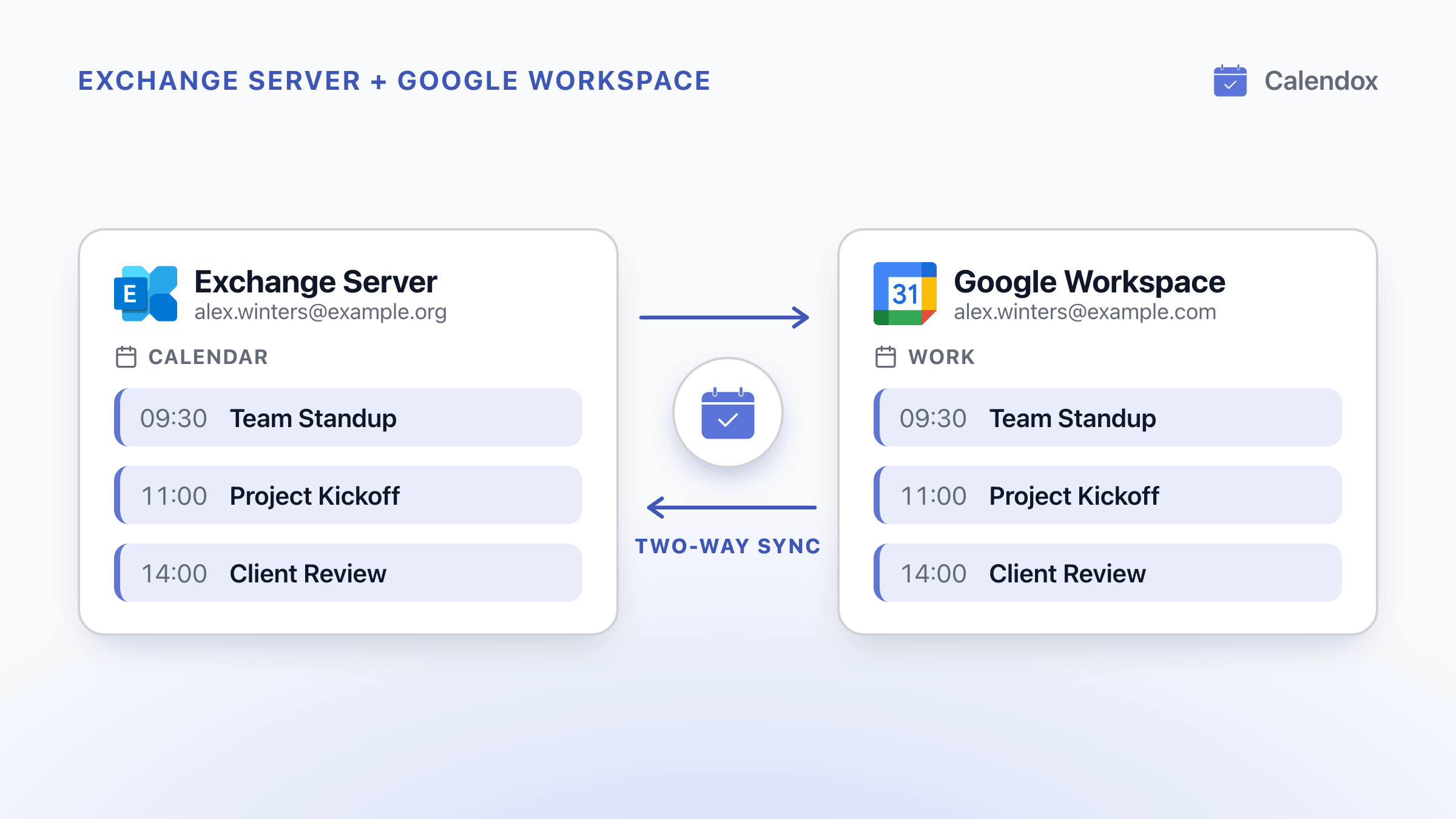
An organization running Exchange Server for part of the company and Google Workspace for the rest doesn't share free/busy by default. Google's Calendar Interop bridges that once administrators on both sides set it up, but it only shows availability, never events. For people with both an Exchange mailbox and a Google account, Calendox keeps the two calendars in step both ways, with no Google tenant-wide consent step.
- Exchange Server and Google Workspace don't share free/busy by default. Google's Calendar Interop bridges them, but an Exchange administrator and a Google Workspace administrator each have to set it up.
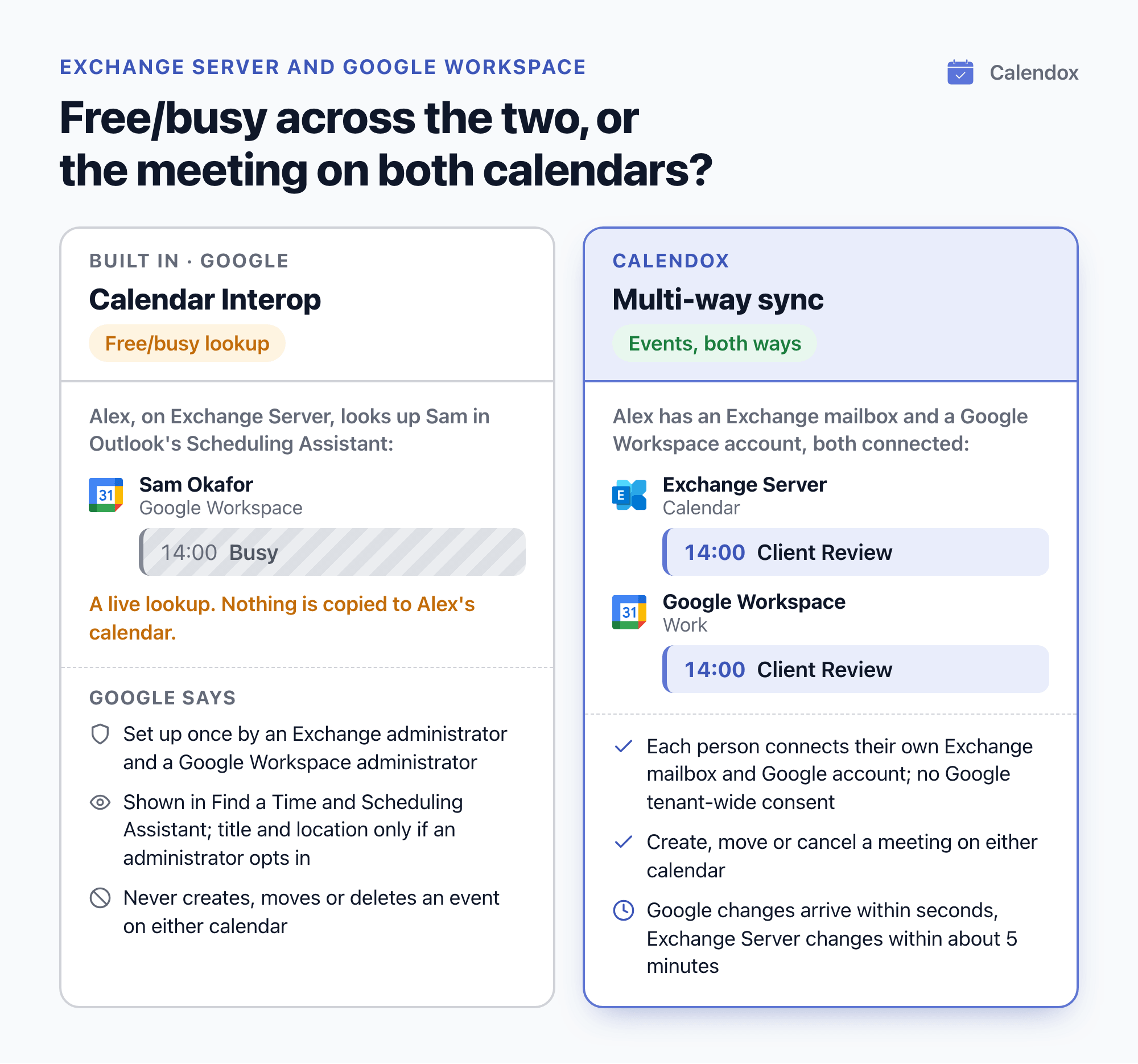
- Calendar Interop is a live lookup. It shows availability, plus title and location if an administrator opts in, and never copies events into the other calendar.
- Calendox has no Google tenant-wide consent step. Each person connects their own Exchange mailbox and Google account, the same way as anyone else.
- Once connected, a multi-way sync keeps both calendars in step. Changes from Google reach Calendox within seconds, and changes from Exchange Server within about 5 minutes.
Can an Exchange Server and a Google Workspace calendar see each other's free/busy without any setup?
No. An on-premises Exchange Server and a Google Workspace account are two separate mail systems with no shared directory, so neither shows the other anything by default, not even whether someone is free or busy. Google's own bridge for this is its Calendar Interop feature, and an administrator on each side has to set it up before anyone sees anything across the two systems.
Microsoft's own free/busy sharing between organizations, an organization relationship, is built for a different pairing: Microsoft describes it as a one-to-one relationship between two Exchange organizations, set up at both ends, and an on-premises Exchange Server needs federation for it.
This situation is common after an acquisition or for a company with a subsidiary that was never migrated: one part of the organization keeps its own Exchange Server, the rest runs on Google Workspace, and people on each side need to book time with each other.
What does Google Calendar Interop show, and what does it leave out?
Calendar Interop shows free/busy time between the two systems, and nothing more unless an administrator opts in. Once it's set up, Google says people on each side see each other's availability in real time, in Google Calendar's Find a Time and in Outlook's Scheduling Assistant.
By default that's a plain free/busy block. An administrator can opt in to also show the event's title, location and guest response status in those same lookup views. Either way, Calendar Interop is a live lookup, not a copy: it doesn't create, move or delete anything in either calendar, and it doesn't keep a record of the other side's events. Ask it who's free at 2 p.m. and it answers; ask it to put a meeting on both calendars and it can't.
Calendar Interop can also be pointed at more than one Exchange environment at once. Google names organizations with several subsidiaries, or that share availability with trusted partners, as the cases for this. Each added Exchange environment needs its own unique domain, and only one of them can be the default.
What does your Exchange administrator set up for Calendar Interop?
Calendar Interop works in two directions, and the Exchange side has a part in both:
- For Exchange users to see Google availability, the Exchange administrator makes sure each Google Workspace user has a mail contact on the Exchange server, and adds an Availability Address Space through Exchange PowerShell (
Add-AvailabilityAddressSpace) that points at Google's own address. The Exchange server needs outbound access tocalendar.google.comfor this. - For Google users to see Exchange availability, the Exchange administrator creates one or more Exchange role accounts, which are ordinary user mailboxes on the Exchange server, and lets Google reach the server: inbound internet access on port 443, with a valid certificate from a trusted public certificate authority.
That inbound requirement is the same kind Calendox has: Exchange Web Services (EWS) published to the internet over HTTPS with a publicly trusted certificate. All of this is a one-time setup for the whole free/busy bridge, done by the administrator, not per person.
What does your Google Workspace administrator set up for Calendar Interop?
The Google Workspace administrator works in the Admin console, under Apps → Google Workspace → Calendar → Calendar Interop management:
- For Exchange users to see Google availability, the administrator generates the Exchange Server configuration there. This creates a Google role account with credentials Google generates, which can be downloaded only once, and is where the administrator decides whether event details are shown.
- For Google users to see Exchange availability, the administrator adds an Exchange Server on-premises endpoint with the server's EWS address and the Exchange role account's password.
Google's requirements page lists Microsoft Exchange 2016 or Exchange Online (Microsoft 365), with Basic authentication for on-premises Exchange and OAuth 2.0 for Exchange Online. Exchange Online has its own endpoint type: Google recommends connecting it over the Microsoft Graph API, and says Microsoft deprecates the older EWS steps for Exchange Online on October 1, 2026. That date applies only to the Exchange Online steps; Google sets no such date for the on-premises Exchange Server endpoint.
What does your Exchange administrator check once for Calendox?
Separately from Calendar Interop, if people also want their Exchange calendar kept in sync with their Google calendar rather than just showing availability, your IT administrator confirms the server meets what Calendox itself needs: Exchange Server 2016 or later, EWS published over HTTPS with a publicly trusted certificate, Basic or NTLM enabled on the EWS virtual directory (or hybrid modern authentication with Microsoft Entra ID), and EWS allowed for the mailbox and for the organization. Where an EWS application allow list is already enforced, the administrator adds Calendox/* to it; nothing else about the server changes just because Calendox connects to it. The full checklist is in Exchange Server for IT administrators.
Nothing further is needed for syncing to work: Calendox checks each connected Exchange calendar on its own, and changes reach it within about 5 minutes. Allowing the server outbound access to Calendox's own notification address lets changes arrive sooner, but it's optional.
Does a Google Workspace administrator have to approve Calendox for everyone at once?
No. There's no tenant-wide consent for Google in Calendox, unlike the admin-consent flow Microsoft offers for a Microsoft 365 organization. Each person connects their own Google account individually, through Google's own sign-in and consent screen, and grants Calendox access to their own calendars only.
The one thing an administrator might have to do once is allow Calendox as an app, under Security → Access and data control → API controls → Manage App Access in the Google Admin console, where each app is set to Trusted, Limited, Specific Google data or Blocked. That's only needed if your organization already restricts which apps may reach Google data. For example, if Calendar access is set to Restricted, only apps marked Trusted or Specific Google data can access Calendar data. That's an app-level allow, not a consent that connects anyone's calendar on their behalf; after it, each person still goes through their own Google sign-in.
Google Workspace also has a separate mechanism, domain-wide delegation, that gives an app access to the data of all of an organization's users without each person's consent. Calendox doesn't use it.
How does each person connect their Exchange and Google calendars and keep them in sync?
A Calendox sync works between calendars a person can sign in to. It fits people who have both an Exchange mailbox and a Google Workspace account, which is common while an acquired company runs on both systems, or for people who work across both parts of the organization. Each of them does three things, whether or not any of the Calendar Interop setup above has been done:
- Connect the Exchange mailbox. From Dashboard → Accounts, click the Exchange Server card, enter the mailbox address, and sign in: with Microsoft where the organization's server accepts it, otherwise with the Exchange password. See Connect Exchange Server Calendar for the full walkthrough, including what happens if the mailbox turns out to be in Microsoft 365 instead, and Sync Exchange Server with Google or Microsoft 365 for the single-user case this post builds on.
- Connect the Google account. From the same Accounts page, click the Google Calendar card, choose the account in Google's account chooser, and allow all the requested permissions. See Connect Google Calendar.
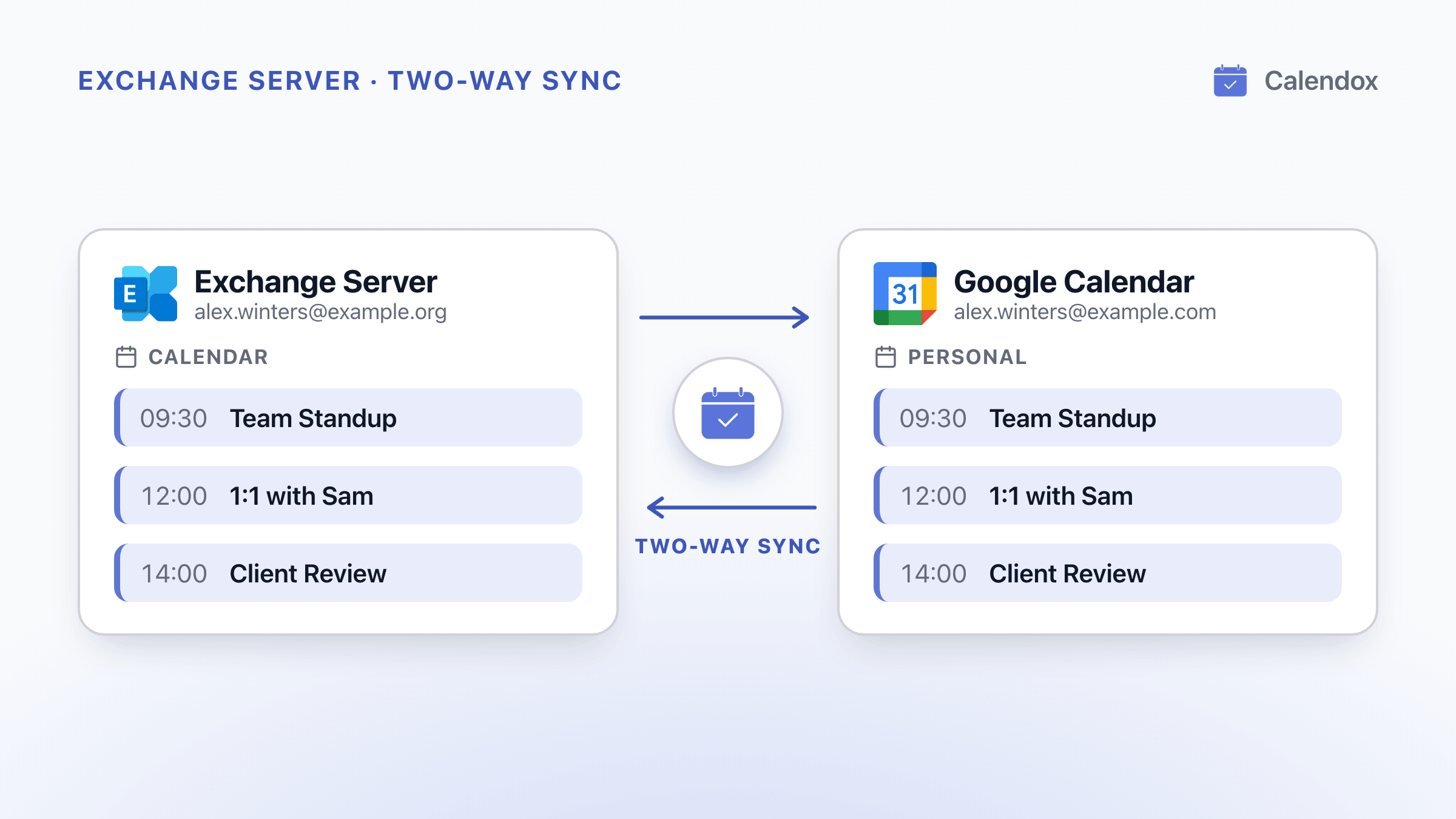
- Create a multi-way sync between the imported Exchange and Google calendars, so either side can create, move or cancel a meeting and have it appear on the other. See Multi-Way Sync for how it avoids loops.
After the initial copy, changes made in the Google calendar reach Calendox within seconds, and changes made in the Exchange calendar reach it within about 5 minutes. From there they're written into every other calendar in the sync. Multi-way sync supports every combination of Google, Microsoft 365 and Exchange Server calendars, including the Google and Exchange Server pairing this post is about.
What stays out of reach, for Calendar Interop and for Calendox alike?
- Shared, delegate and resource mailboxes. Calendox only lists the calendars in a person's own mailbox. A calendar shared by a colleague, delegate access to someone else's mailbox, or a shared or resource mailbox isn't listed; that mailbox needs its own connection if it should be synced.
- Event copying from Calendar Interop. Calendar Interop never puts an event onto the other side's calendar; it only answers a free/busy lookup, plus title and location if an administrator opted in. If people need the meeting itself on both calendars, that's what the sync in the previous section does.
- Tenant-wide Google consent in Calendox. As above, there's no single step that connects every Google Workspace user's calendar at once. Each person connects their own.
Frequently asked questions
Does Calendar Interop work with an on-premises Exchange Server, or only Exchange Online?
It works with an on-premises Exchange Server. Google's requirements page lists Microsoft Exchange 2016 alongside Exchange Online (Microsoft 365), and the setup page has a separate Exchange Server on-premises endpoint that connects over EWS. The October 1, 2026 deprecation Google mentions applies to the EWS steps for Exchange Online, which Google recommends replacing with the Microsoft Graph API.
Do we need Calendar Interop before we can use Calendox?
No. Calendar Interop and Calendox solve different problems and don't depend on each other. Calendar Interop is a free/busy lookup between the two systems, set up by administrators on both sides, with or without Calendox. Calendox is each person's own calendar sync, connected individually, and it works whether or not Calendar Interop is set up.
Can one Exchange administrator set this up for every mailbox at once?
For Calendar Interop, yes: it's an organization-wide bridge set up once by an administrator on each side, not per person. For Calendox, no: each person connects their own Exchange mailbox and Google account individually. The administrator's checklist (EWS published, allowed, and Calendox/* on any allow list) prepares the server, but connects no one's calendar.
What about someone who uses a personal Google account rather than the company's Google Workspace?
Calendar Interop is a Google Workspace admin feature, so it covers your organization's Google Workspace accounts, not personal Google accounts. A personal Google account can still connect to Calendox on its own, the same way any Google account does, and be synced with an Exchange calendar.
Sources
- Google Workspace Updates: Improvements to Google Calendar Interop
- Google Workspace Admin Help: Allow Exchange users to see Calendar availability data
- Google Workspace Admin Help: Allow Calendar users to see Exchange availability
- Google Workspace Updates: Event details now supported by Calendar Interop
- Google Workspace Updates: Support for multiple Exchange endpoints
- Google Workspace Admin Help: Calendar Interop system requirements
- Google Workspace Admin Help: Control API access with domain-wide delegation
- Google Workspace Admin Help: Control which apps access Google Workspace data
- Microsoft Learn: Organization relationships in Exchange Online
Related reading
Sync Exchange Server with Google or Microsoft 365
What an on-premises Exchange Server can share with Google Calendar or Microsoft 365 on its own, and how to keep your work calendar in two-way sync.
Calendox vs Calensync: Multi-Way Sync, Bookings and Price
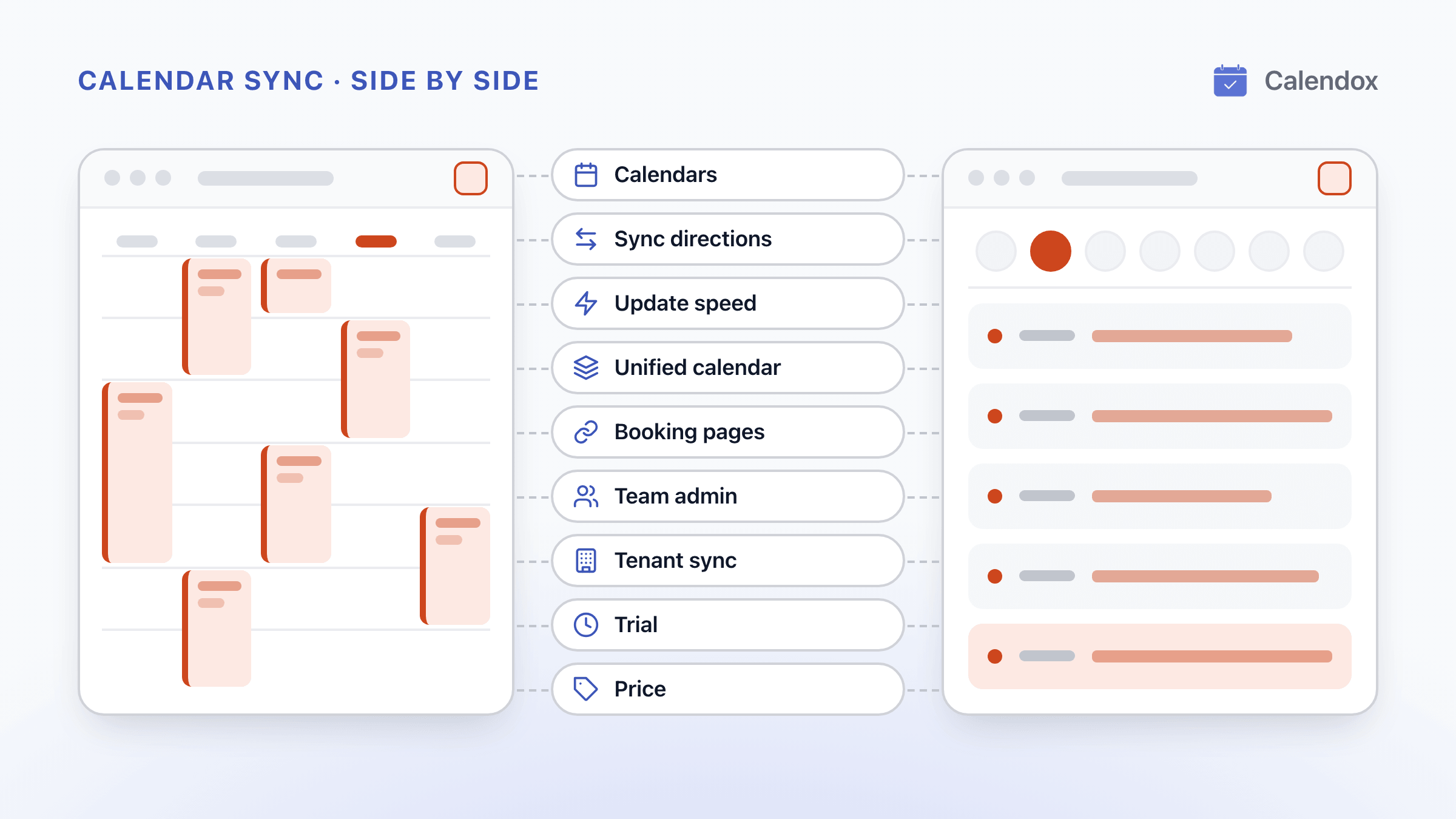
Calendox and Calensync compared: calendars, one multi-way sync or a rule per direction, unified calendar, Zoom and Teams booking links, tenant sync and price.
Calendox vs CB Exchange Server Sync: Tenant Sync and Price
Calendox and CB Exchange Server Sync compared: what each syncs, price per user or calendar against price per pair, Microsoft 365 tenant pairing and trials.