
Calendox vs SyncPenguin: Pricing, Quotas and Tenant Sync
By CalendoxPublished Updated 8 min read
Calendox publishes this page and is one of the two products compared. SyncPenguin details come from the public sources linked under Sources; we have not tested SyncPenguin hands-on. How we compare
In short
Calendox and SyncPenguin both sync Google and Microsoft calendars and offer admin-run Microsoft 365 tenant sync. SyncPenguin sells tiers of sync flows with a monthly update quota, while Calendox prices Personal and Business plans per user or seat, with unlimited synced events, a unified calendar and booking pages. Calendox suits individuals syncing their own calendars and, on Enterprise, Microsoft 365 tenant admins.
- For one person syncing one pair of calendars, Calendox Basic costs less than SyncPenguin's smallest plan, billed yearly or monthly. In the team and tenant scenarios, SyncPenguin's flow tiers cost less.
- SyncPenguin prices tiers of sync flows, one flow per pair of calendars, with a monthly update quota. Calendox prices per user, per seat or per secondary-tenant calendar.
- Calendox Personal and Business accounts include a unified calendar and booking pages. Neither is listed on SyncPenguin's website.
- For Microsoft 365 tenant-to-tenant sync, Calendox Enterprise pairs calendars automatically when both the email username and the calendar name match, and leaves the rest for pairing by hand or by CSV.
Why Calendox
Pay less for one pair of calendars
For one Google and Outlook pair, Calendox Basic costs less than SyncPenguin's 2-flow plan and also includes a unified calendar and 2 booking pages.
No monthly update quota
Basic, Standard and Premium include unlimited synced events, so there's no monthly update count to watch.
See every calendar, not just sync it
On Personal and Business accounts, one unified calendar shows all your connected Google and Microsoft calendars in six views and writes your edits back.
Sync and booking on one plan
Booking pages come on the same Personal or Business plan as your syncs, check all your calendars for conflicts and can add a Zoom, Google Meet or Microsoft Teams link where supported.
Feature comparison
| Feature | Calendox | Sync |
|---|---|---|
| Three or more calendars in one sync (Calendox advantage) | Yes, Up to 25 on Premium, separate accounts | Partly, Each flow syncs one pair of calendars [2] |
| Unified calendar (Calendox advantage) | Yes, Web app, Personal and Business | Not listed on SyncPenguin's website [4] |
| Booking pages with meeting links (Calendox advantage) | Yes, 2 on Basic, then unlimited (fair use) | Not listed on SyncPenguin's website [3] |
| Google Calendar and Outlook, personal and work accounts | Yes, No shared-mailbox calendars | Yes, Also shared and public calendars [1] |
| Apple iCloud or other calendar services | No, Google and Microsoft only | Yes, iCloud, Exchange on-premises, ICS [1] |
| One-way and multi-way sync | Yes, On every plan | Yes, One-way and two-way [1] |
| Events copied up to a year ahead | Yes, First copy: last month to a year ahead | Yes, Past month by default, no future limit [8] |
| Near real-time Google and Microsoft sync | Yes, Typically under a minute | Yes, Near-instant on Google and Outlook [7] |
| Field choice and event filters | Partly, Fields and privacy, no filters | Yes, No-code field mapping, filters, rules [9] |
| Team administration | Partly, Roles and seats, no SAML or SCIM | Partly, Bulk, CSV or group user adding [6] |
| Microsoft 365 tenant-to-tenant sync | Yes, Admin-run, on Enterprise accounts | Yes, Also for Google Workspace [6] |
| 14-day free trial, no credit card | Yes, Premium-level on Personal and Business | Yes, Extendable on request [5] |
- Yes
- Partly
- No
- Not listed on SyncPenguin's website
- Calendox advantage
Pricing compared
| Scenario | Calendox | SyncPenguin |
|---|---|---|
| One person syncing one Google calendar with one Outlook calendar, billed yearly (billed per user) | Basic, $4/month billed annually ($48/year) | 2 sync flows (smallest plan), $9/month (billed yearly; 2,000 updates a month) [2] |
| The same person, billed monthly (billed per user) | Basic, $5/month | 2 sync flows (smallest plan), $12/month (billed monthly; 2,000 updates a month) [2] |
| A team of 10, each syncing a work calendar with a personal one (Calendox Business seats), billed yearly (billed per user) | Basic, $40/month billed annually ($480/year) for 10 users | 10 sync flows, $24/month for 10 users (billed yearly; 10,000 updates a month, shared across all flows) [2] |
| 100 calendar pairs between two Microsoft 365 tenants, each pairing a free master-tenant calendar with a secondary-tenant calendar, billed monthly (billed per pair) | Enterprise, $300/month for 100 pairs | 100 sync flows, $125/month for 100 pairs (billed monthly; 100,000 updates a month, and lower-quota options cost less) [2] |
Calendox prices are in USD, and taxes may apply by country. SyncPenguin prices are as published on its website.
Details
| Feature | Calendox | SyncPenguin |
|---|---|---|
| Calendars supported | Google Calendar (Gmail and Google Workspace) and Microsoft Outlook (personal Microsoft accounts and Microsoft 365). On-premises Exchange Server isn't supported | Google, Outlook, Office 365, Exchange on-premises, iCloud, iCalendar (.ICS), Salesforce and Zoho CRM calendars [1] |
| Sync directions | One-way (one source to one or more targets) and multi-way (two or more calendars from different connected accounts, each a source and a target), on every plan | One-way and two-way, in user-to-user, one-to-many or many-to-many setups [1] |
| Update speed | Real time for Google and Microsoft: changes typically arrive in under 30 seconds from Google and under 60 seconds from Microsoft | Near-instant on its Google and Outlook connectors; other calendar connectors check every 10 minutes by default, 5 at the shortest, and ICS feeds every 30 minutes at the shortest [3] |
| Unified calendar | Yes, on Personal and Business accounts: one working calendar across all connected calendars, in six views, with edits written back. Not on Enterprise | Not listed on SyncPenguin's website; its web dashboard is for setting up, monitoring and troubleshooting syncs [4] |
| Booking pages | Basic 2; Standard and Premium unlimited (fair-use limits apply), with Google Meet, Zoom or, on work or school Microsoft calendars, Microsoft Teams links. Not on Enterprise | Not listed on SyncPenguin's website, which covers syncing calendars, contacts, tasks and inventory [3] |
| Team administration | Business accounts: invites, Admin and Member roles, and per-seat licenses that admins assign; each member's limits come from their license | One account can sync many users, with usage summed across all syncs; admins add users by hand, in bulk, by CSV or from a user group, and start or pause syncs in bulk. Priced by sync flows, not seats [6] |
| Microsoft 365 tenant-to-tenant sync | Enterprise: an admin of each tenant consents once and employees never sign in; calendars pair automatically when email username and calendar name both match, others by hand or CSV. Microsoft 365 only | Domain-wide setup with admin access in both tenants; users don't connect their own accounts and are added by email, in bulk, by CSV or from a user group. A two-calendar sync needs no admin [6] |
| Trial | 14-day free trial, no credit card: Premium-level limits on Personal and Business, and up to 5 secondary-tenant calendars on Enterprise | 14-day free trial; SyncPenguin says no credit card is needed and the trial can be extended on request [5] |
Choose Calendox if…
- You sync one pair of your own Google and Microsoft calendars and want to pay less than SyncPenguin's smallest plan.
- You want one unified calendar, on a Personal or Business account, to see and edit all your Google and Microsoft calendars.
- You want booking pages that check all your calendars for conflicts, on the same subscription as your syncs.
- You'd rather not track a monthly update quota: Basic, Standard and Premium include unlimited synced events.
- You run Microsoft 365 tenant-to-tenant sync and want calendars paired automatically when both the email username and the calendar name match.
Questions
How does Calendox pricing differ from SyncPenguin's?
Calendox prices per user, while SyncPenguin prices tiers of active sync flows. On SyncPenguin's pricing page, a sync flow is one pair of calendars synced one way or both ways. Each tier's monthly update quota is 1,000 updates for every flow it allows, shared across all your flows. From 25 flows, cheaper tiers with smaller quotas are also offered. SyncPenguin's prices exclude VAT.
Calendox Personal plans are priced per user and Business plans per seat. Business seats cost the same as the matching Personal plan. Each plan caps how many calendars you connect and how many syncs you run. Enterprise is billed for each calendar imported from a secondary tenant, while master-tenant calendars are free. Current prices are on the Calendox pricing page, in US dollars, and taxes may apply.
The pricing table above compares the same scenario on both sides. For one person with one pair of calendars, Calendox Basic costs less than SyncPenguin's 2-flow plan on both billing cycles. For the team of 10 and the 100 tenant pairs, SyncPenguin's flow tiers cost less.
Does either product limit how many changes it syncs?
Calendox Basic, Standard and Premium include unlimited synced events, while SyncPenguin plans include a monthly update quota. On Calendox, the limits are the calendars and syncs each plan allows. SyncPenguin counts an update when it actually changes and syncs a record, and it doesn't count merges or checks that find no change. Its pricing page says that if usage goes over the quota, it notifies you and gives you time to upgrade. It also says it never changes your plan automatically or charges for overages.
How quickly do changes reach the other calendar?
Calendox syncs Google and Microsoft calendars in real time (how Calendox sync works). Changes typically arrive in under 30 seconds from Google Calendar and under 60 seconds from Microsoft Outlook. These are typical times, not guarantees.
SyncPenguin describes sync between its Google and Outlook connectors as near-instant in its Microsoft 365 and Google Workspace guide. For sync between Microsoft 365 tenants, its tenant-to-tenant guide recommends the Outlook connector for near-instant syncing. Its other calendar connectors check for changes every 10 minutes by default and every 5 minutes at the shortest, and ICS feeds every 30 minutes at the shortest.
How does Microsoft 365 tenant-to-tenant sync work on each?
Both run admin-managed sync between Microsoft 365 tenants, and on both, employees don't connect their own calendar accounts. They differ in how calendars are paired.
With Calendox Enterprise:
- An administrator of each tenant consents once for the whole organization.
- The master tenant is the first one you connect, and its calendars are free. Every calendar imported from a secondary tenant takes one seat.
- Calendox pairs master- and secondary-tenant calendars automatically when both the email username (the part before the @) and the calendar name match, ignoring case. Anything left unmatched can be paired by hand or by CSV import.
Enterprise accounts are for tenant sync only. They don't include the unified calendar or booking pages, and they connect Microsoft 365 tenants only.
On SyncPenguin, tenant-to-tenant sync through domain-wide access needs admin access in both tenants, and users don't connect their own accounts. Admins add users by entering their email addresses in each tenant, one at a time, in bulk or by CSV import, or let a user group in each tenant fill in the list automatically. SyncPenguin runs admin-managed sync for Google Workspace too, through a Google service account an admin creates, including between a Microsoft 365 and a Google Workspace organization (Microsoft 365 and Google Workspace guide). SyncPenguin also offers a simpler sync between two calendars that doesn't need admin access.
Which Calendox accounts include a unified calendar and booking pages?
Calendox Personal and Business accounts include both. Neither is listed on SyncPenguin's website, whose web dashboard is for setting up, monitoring and troubleshooting syncs.
- Unified calendar: see all your connected Google and Microsoft calendars in one working calendar, in six views. New events and edits are written back to the original calendar.
- Booking pages: a booking page checks every connected calendar for conflicts by default, so bookers see only open slots. Each booking can get a meeting link. Google Meet needs a Google destination calendar, and Microsoft Teams a work or school Microsoft one. Zoom links work with any calendar once Zoom is connected. Basic includes 2 booking pages, and Standard and Premium include unlimited pages, with fair-use limits.
How do the free trials compare?
Calendox offers a 14-day free trial with no credit card, and SyncPenguin advertises the same. Calendox Personal and Business trials run at Premium-level limits, and on a Business team every member uses their own trial until the team subscribes. An Enterprise trial syncs up to 5 imported secondary-tenant calendars in total.
When a Calendox trial ends without a subscription, syncs pause. Your connections and settings are kept, and syncing resumes when you subscribe. On Business, it resumes once you hold a license from the team's subscription. SyncPenguin's FAQ says its trial can be extended on request.
Sources
- SyncPenguin: Calendar and meeting sync
- SyncPenguin: Pricing and plans
- SyncPenguin: Homepage and FAQ
- SyncPenguin docs: How it works
- SyncPenguin docs: Frequently asked questions
- SyncPenguin blog: Office 365 calendar meeting sync between organizations or tenants
- SyncPenguin blog: Microsoft 365 and Google Workspace calendar meeting sync
- SyncPenguin: How to sync Google and Office 365 calendars
- SyncPenguin docs: Customization
- Calendox: Pricing
- Calendox docs: What is calendar sync?
- Calendox docs: Enterprise accounts
Related reading
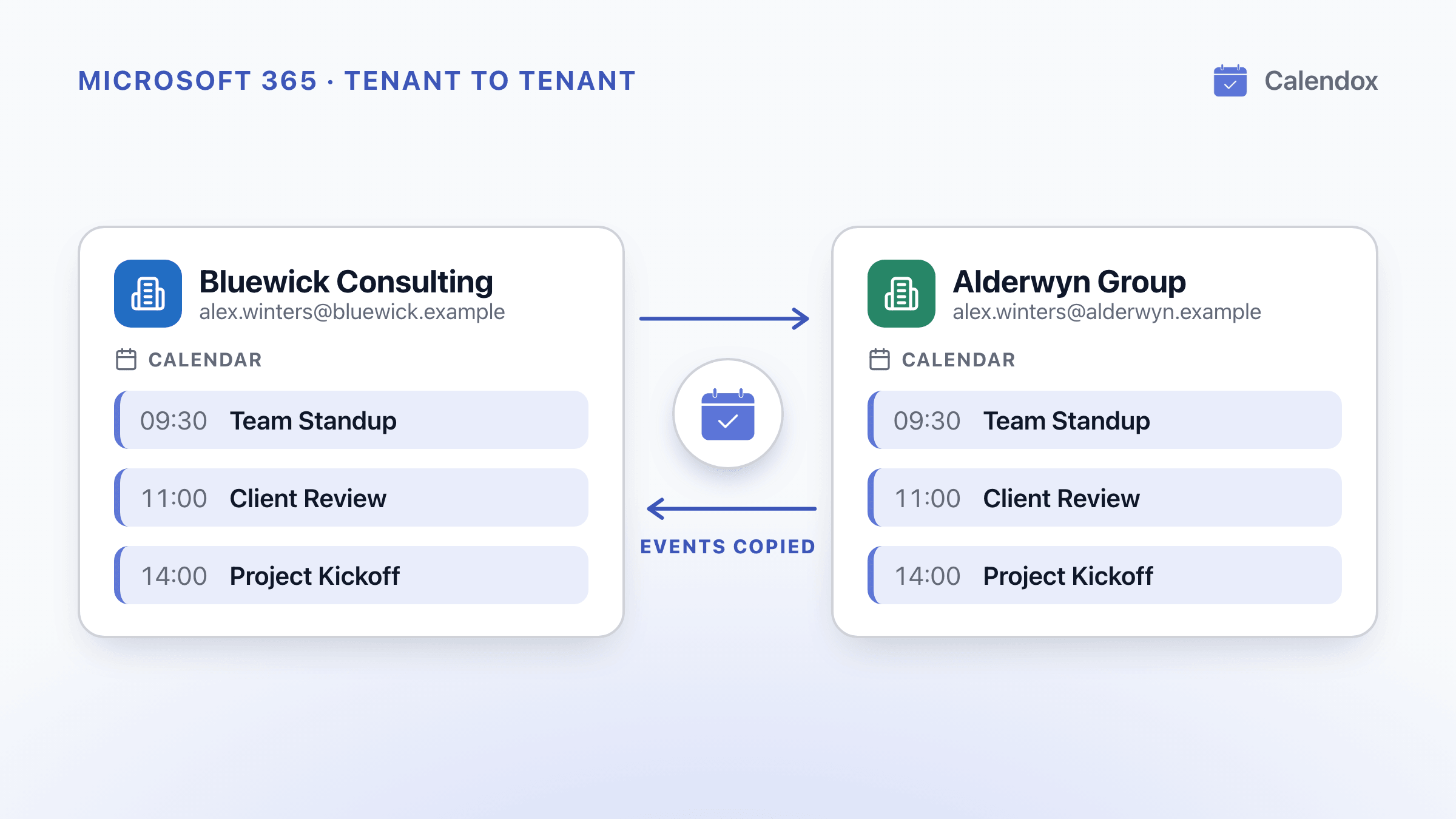
Calendar Sync Between Two Microsoft 365 Tenants
What two Microsoft 365 tenants can share, how the EWS shutdown starting October 1, 2026 affects it, and how to keep events synced across tenants.
Calendox vs CalendarBridge: Sync, Plan Limits and Price
Calendox counts the calendars you import, while CalendarBridge counts each one-way connection. What that means for price, booking pages, trials and tenant sync.
Calendox vs OneCal: Calendar Sync and Pricing Compared
Calendox and OneCal side by side, with per-user prices at each tier, how far ahead Outlook events are copied, Microsoft 365 tenant sync and the trials.