
Calendox vs CalendarBridge: Sync, Plan Limits and Price
By CalendoxPublished Updated 8 min read
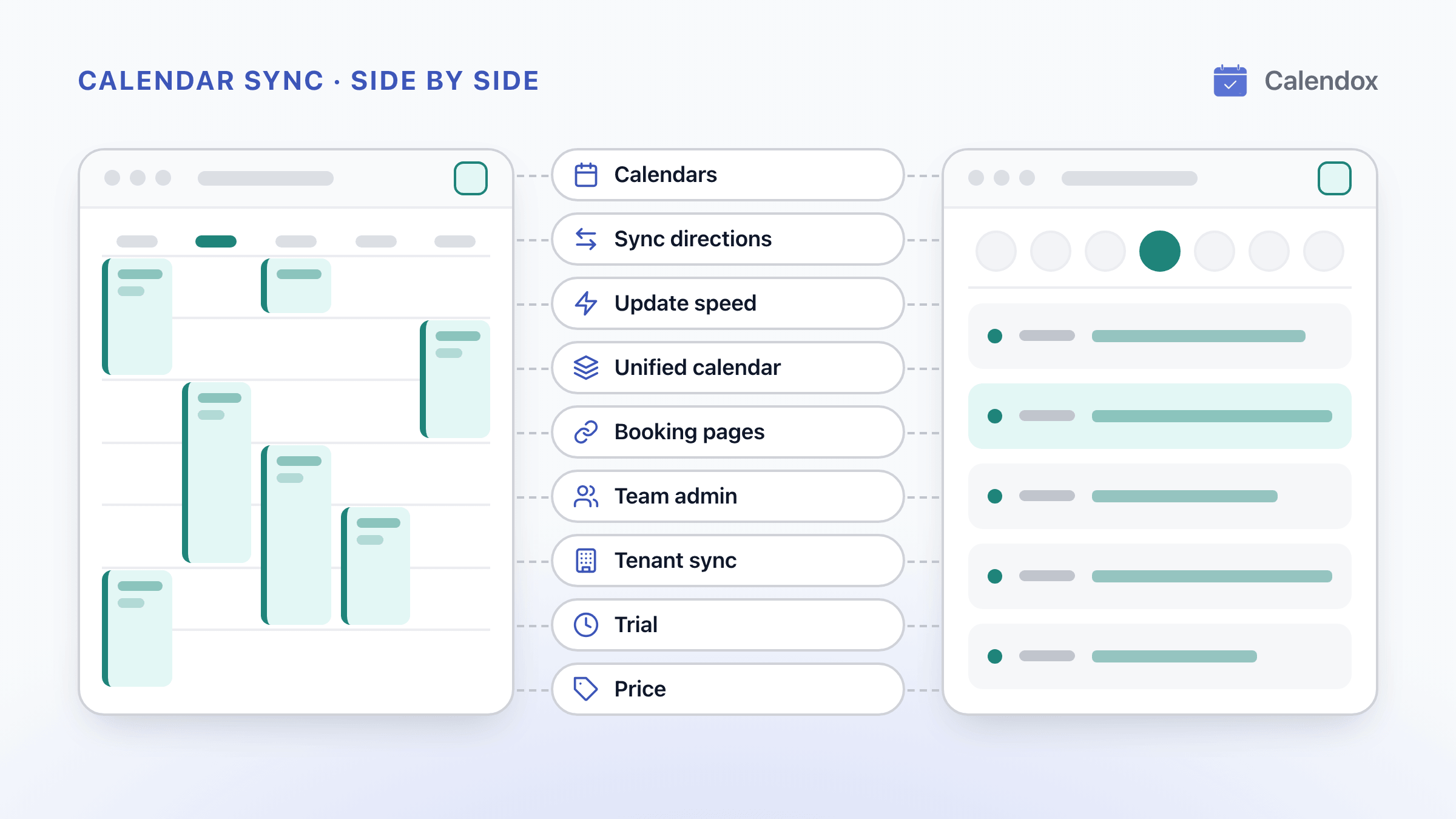
Calendox publishes this page and is one of the two products compared. CalendarBridge details come from the public sources linked under Sources; we have not tested CalendarBridge hands-on. How we compare
In short
Calendox and CalendarBridge both sync Google and Microsoft calendars, with a unified calendar, booking pages and admin-run sync between organizations. Calendox keeps up to 25 calendars, each from a different Google or Microsoft account, in step as one multi-way sync, and its plans count imported calendars, not one-way connections. It suits people who sync 3 to 25 calendars and teams that sync Microsoft 365 tenants.
- Calendox counts the calendars you import. CalendarBridge counts one-way connections, so 5 calendars synced in all directions use 20 of them.
- A Calendox multi-way sync has no primary calendar. An edit or deletion in any calendar reaches all the others.
- Calendox booking pages check every connected Google and Microsoft calendar, with no per-calendar cap. CalendarBridge checks the booking calendar, calendars synced into it, and up to 3 more.
- Calendox gives you a 14-day free trial with no credit card. CalendarBridge offers 7 days, also with no card.
Why Calendox
Edit from any calendar
In a multi-way sync every calendar is equal, so an edit or deletion made in any of them reaches all the others.
Up to 25 calendars on one plan
Plans count the calendars you import, not one-way links between them, so up to 25 calendars, each from a different Google or Microsoft account, sync in all directions on Premium.
Booking checks every connected calendar
Booking pages check every connected Google and Microsoft calendar for conflicts, and Standard and Premium include unlimited pages (fair-use limits apply).
14-day free trial, no card
Personal and Business accounts get 14 days at Premium-level limits, with no credit card required.
Feature comparison
| Feature | Calendox | Calendar |
|---|---|---|
| Multi-way sync with edits from any calendar (Calendox advantage) | Yes, All calendars are equal | Partly, Edits to copies aren't synced back [2] |
| Three or more calendars in one sync (Calendox advantage) | Yes, Up to 25 on Premium, separate accounts | Partly, One-way pairs; up to 8 meshed on Pro [15] |
| More than 10 booking pages (Calendox advantage) | Yes, 2 on Basic, then unlimited (fair use) | No, 10 on every plan, plus paid bookings [11] |
| Booking checks every connected calendar (Calendox advantage) | Yes, No cap, no syncing needed | Partly, Booking + synced-in calendars + 3 more [13] |
| 14-day free trial, no credit card (Calendox advantage) | Yes, Premium-level on Personal and Business | Partly, 7 days, no card [8] |
| Apple iCloud or other calendar services | No, Google and Microsoft only | Yes, iCloud, CalDAV and .ics feeds [1] |
| One-way sync | Yes, One source to many targets | Yes, Also many calendars into one [10] |
| Near real-time Google and Microsoft sync | Yes, Typically under a minute | Yes, Typically within a minute [3] |
| Field choice and event filters | Partly, Fields and privacy, no filters | Yes, Color, time and status filters [2] |
| Unified calendar | Yes, Web app, Personal and Business | Yes, Web, iPhone and Android apps [4] |
| Team administration | Partly, Roles and seats, no SAML or SCIM | Yes, SAML or OIDC SSO and SCIM [6] |
| Microsoft 365 tenant-to-tenant sync | Yes, Admin-run, on Enterprise accounts | Yes, Google Workspace too [7] |
- Yes
- Partly
- No
- Calendox advantage
Pricing compared
| Scenario | Calendox | CalendarBridge |
|---|---|---|
| One person, 3 to 5 calendars, each from a different Google or Microsoft account, synced in all directions (6 to 20 CalendarBridge connections), billed yearly (billed per user) | Standard, $7/month billed annually ($84/year) | Premium, $8/month (billed yearly) [9] |
| One person, 6 to 8 calendars, each from a different Google or Microsoft account, synced in all directions (30 to 56 CalendarBridge connections), billed yearly (billed per user) | Premium, $17/month billed annually ($204/year) | Pro, $32/month (billed yearly) [9] |
| One person, two calendars copied one way into a third, all on different accounts (Calendox's nearest fit is a multi-way sync of all three), billed yearly (billed per user) | Standard, $7/month billed annually ($84/year) | Basic, $4/month (billed yearly) [9] |
| Microsoft 365 tenant sync, 50 calendar pairs copied one way from a master tenant to a partner tenant, billed monthly (Calendox bills the 50 partner calendars) (billed per pair) | Enterprise, $150/month for 50 pairs | Managed Syncs, $200/month for 50 pairs (per one-way connection, listed as a starting price) [10] |
Calendox prices are in USD, and taxes may apply by country. CalendarBridge prices are as published on its website.
Details
| Feature | Calendox | CalendarBridge |
|---|---|---|
| Calendars supported | Google Calendar (Gmail and Google Workspace) and Microsoft Outlook (Outlook.com, Hotmail, Live.com and Microsoft 365 work or school). No other calendar services. | Google, Microsoft 365 and Outlook, Apple iCloud and read-only .ics feeds, plus CalDAV calendars (Fastmail, Zoho, Yahoo, AOL, Nextcloud and others) since August 10, 2026. [1] |
| Sync directions | One-way (one source to targets on other connected accounts) or multi-way (two or more equal calendars, each from a different account), on every plan. One sync per calendar; settings fixed at creation. | Every sync is one-way; “Both Directions” pairs two one-way syncs. CalendarBridge says to treat copies as read-only: edits to a copy aren’t synced back. Privacy is per direction; syncs can be edited. [2] |
| Update speed | Google and Microsoft notify Calendox as soon as an event changes. Typically under 30 seconds for Google and under 60 seconds for Microsoft; not guaranteed. | Google and Outlook changes typically reach the destination within a minute, per CalendarBridge. iCloud and .ics sources sync every 5 to 10 minutes. [3] |
| Unified calendar | On every Personal and Business plan: create and edit events that are written back to Google or Microsoft, in Agenda, Day, Work week, Week, Month and Year views. Web app only. | Included on every plan, on the web, iPhone and Android: open any event and edit it in its original calendar, in Day, Week or Month views. [4] |
| Booking pages | Basic 2 pages; Standard and Premium unlimited (fair-use limits apply), and Premium removes Calendox branding. No paid bookings. Not on Enterprise accounts. | Up to 10 scheduling pages on every plan, and paid bookings through the host’s own Stripe account. [11] |
| Team administration | Business account: Admin and Member roles, per-seat licenses on Basic, Standard or Premium, and invites from a Members page. No SAML single sign-on or SCIM. | Group (organization) plans include SAML 2.0 or OIDC single sign-on and SCIM provisioning, with no separate add-on charge for single sign-on. [6] |
| Microsoft 365 tenant-to-tenant sync | Enterprise: Microsoft 365 tenant to tenant. Each tenant’s admin consents once and employees never sign in. Pairs form when email username and calendar name both match, or by hand. | Managed Syncs: the group admin authorizes Microsoft 365 (application permission) or Google Workspace (domain-wide delegation) and runs syncs with no end-user sign-in. [7] |
| Trial | 14-day free trial, no credit card required, at Premium-level limits on Personal and Business accounts. Syncs pause at the end until you subscribe (on Business, until you hold a license). | 7-day free trial, no credit card required. [8] |
Choose Calendox if…
- You want 3 to 25 calendars, each from a different Google or Microsoft account, kept identical in all directions on one personal plan.
- You want to edit or reschedule a meeting in whichever calendar is in front of you and have the change reach every other calendar.
- You want 14 days at Premium-level limits on a Personal or Business account (25 calendars, 25 syncs, unlimited booking pages with fair-use limits), with no credit card.
- You need more than 10 booking pages, or booking pages that check every connected calendar for conflicts, with no per-calendar cap.
- You sync calendars between Microsoft 365 tenants and want only the partner tenant’s calendars billed.
- Your organization buys software through the Microsoft Marketplace.
Questions
How do Calendox and CalendarBridge count plan limits?
Calendox counts imported calendars and syncs, while CalendarBridge counts one-way sync connections, one for each ordered pair of calendars. A Calendox multi-way sync of five calendars uses five calendar slots and one sync (plans and billing), and each of the five must come from a different Google or Microsoft account (multi-way sync). Signing in to a Google or Microsoft account doesn't count, only the calendars you import.
CalendarBridge's billing help says a both-directions group of three calendars uses 6 connections, one for every ordered pair, so five calendars synced in all directions use 20.
Which costs less for two calendars synced both ways?
Neither: Calendox Basic and CalendarBridge Basic list the same price for two calendars, billed monthly or yearly. Calendox prices are on the pricing page, and CalendarBridge's are in its billing help.
Can you edit a synced event from any calendar in Calendox?
Yes. A Calendox multi-way sync has no primary calendar. Whichever calendar you create, edit or delete an event in, the change reaches all the others (multi-way sync). If the same event changes in two calendars at once, the change that reaches Calendox last wins.
CalendarBridge's guide to managing syncs says to treat its copies as read-only, because edits to a copy aren't synced back to the source calendar.
How many booking pages does each plan include?
Calendox Basic includes 2 booking pages, and Standard and Premium include unlimited booking pages, with fair-use limits (what is Bookings?). Premium also removes Calendox branding from your public pages, and Enterprise accounts don't include booking pages. CalendarBridge's pricing for individuals lists up to 10 scheduling pages on every plan.
Can Calendox booking pages take payments or book a whole team?
No. Calendox has no paid bookings, and each booking page belongs to one account, so there are no team pages (what is Bookings?). CalendarBridge's schedulers help describes paid bookings through the host's own Stripe account. It also describes combined links for up to 5 people, which can book everyone together, rotate round robin or go to whoever is free first.
Both attach Google Meet, Microsoft Teams or Zoom links. On Calendox, Teams links need a work or school Microsoft calendar (meeting links and location).
Which calendars does a Calendox booking page check for conflicts?
Every connected Google and Microsoft calendar, by default, with no per-calendar cap, and you can limit it to chosen calendars (availability and scheduling). People booking you see only open slots, never your event details.
CalendarBridge's guide to creating a scheduler says it checks the booking calendar plus up to 3 more. Calendars already synced into the booking calendar count automatically.
How does Calendox bill a team?
Per seat. A Business account buys licenses on Basic, Standard or Premium, at the same per-seat prices as the personal plans. A team can mix tiers (team management). Each member's limits come from the license they hold, and all admins are equal. CalendarBridge's pricing for groups also mixes Basic, Premium and Pro seats at its individual prices.
Which calendars can Calendox connect?
Google and Microsoft calendars only: Gmail, Google Workspace, Outlook.com, Hotmail, Live.com and Microsoft 365 work or school accounts (what is Calendox?). Calendars you can only view, such as subscribed holiday calendars, can't be imported (connect Google Calendar).
Microsoft calendars owned by another mailbox, such as a shared mailbox or a group calendar, can't be synced from your account. Connect the owning account instead (connect Microsoft calendar).
Can Calendox sync calendars between two Microsoft 365 organizations?
Yes, with an Enterprise account: each tenant's administrator grants tenant-wide admin consent once, and employees never sign in to Calendox (Enterprise accounts).
- A master-tenant calendar and a secondary-tenant calendar pair up on their own only when the email username and the calendar name both agree. You pair the rest by hand or from a CSV file.
- Your first connected tenant becomes the master tenant, whose calendars never use a seat. Every calendar you import from another tenant takes one seat.
- Enterprise is for Microsoft 365 only, and it doesn't include booking pages or the Unified Calendar.
CalendarBridge can also create Managed Syncs from a CSV file, a feature its bulk jobs guide lists as Beta. For what Microsoft 365's built-in options share across tenants, see calendar sync between two Microsoft 365 tenants.
How long is each free trial, and what happens after it?
Calendox gives you 14 days with no credit card. CalendarBridge's sign-up page offers 7 days, also with no card.
When a Calendox trial ends without a subscription, your syncs pause, and your calendar connections and settings are kept (Terms of Service). Syncing resumes when you subscribe (plans and billing). On a Business team, every member uses their own trial. Once the team subscribes, each member needs a license from it, and a member without one has their syncs paused until an admin assigns one. The Calendox trial can be used once per email address.
Can you buy Calendox through the Microsoft Marketplace?
Yes. A Marketplace purchase falls under the Microsoft Standard Contract, and the charges go to the Microsoft billing account you choose at checkout (Microsoft Marketplace). Marketplace plans include a free trial run by Microsoft; its terms are shown at checkout.
Sources
- CalendarBridge Help: Connect any CalDAV calendar (August 10, 2026)
- CalendarBridge Help: Manage syncs
- CalendarBridge Help: How often do calendars sync?
- CalendarBridge: Unified calendar app
- CalendarBridge Help: Schedulers
- CalendarBridge Help: Configuring SSO
- CalendarBridge Help: Group account license types
- CalendarBridge: Sign up (7-day free trial)
- CalendarBridge Help: Billing
- CalendarBridge Help: User seats vs. managed syncs
- CalendarBridge: Pricing for individuals
- CalendarBridge: Pricing for groups
- CalendarBridge Help: Creating a scheduler
- CalendarBridge Help: Bulk jobs
- CalendarBridge Help: Plan comparison
- Calendox: Pricing
- Calendox Docs: Plans and billing
- Calendox Docs: Enterprise accounts
Related reading
Calendox vs SyncThemCalendars: Features and Pricing
Calendox and SyncThemCalendars side by side: calendars supported, sync directions, unified calendar, booking pages, team admin, tenant sync and price.
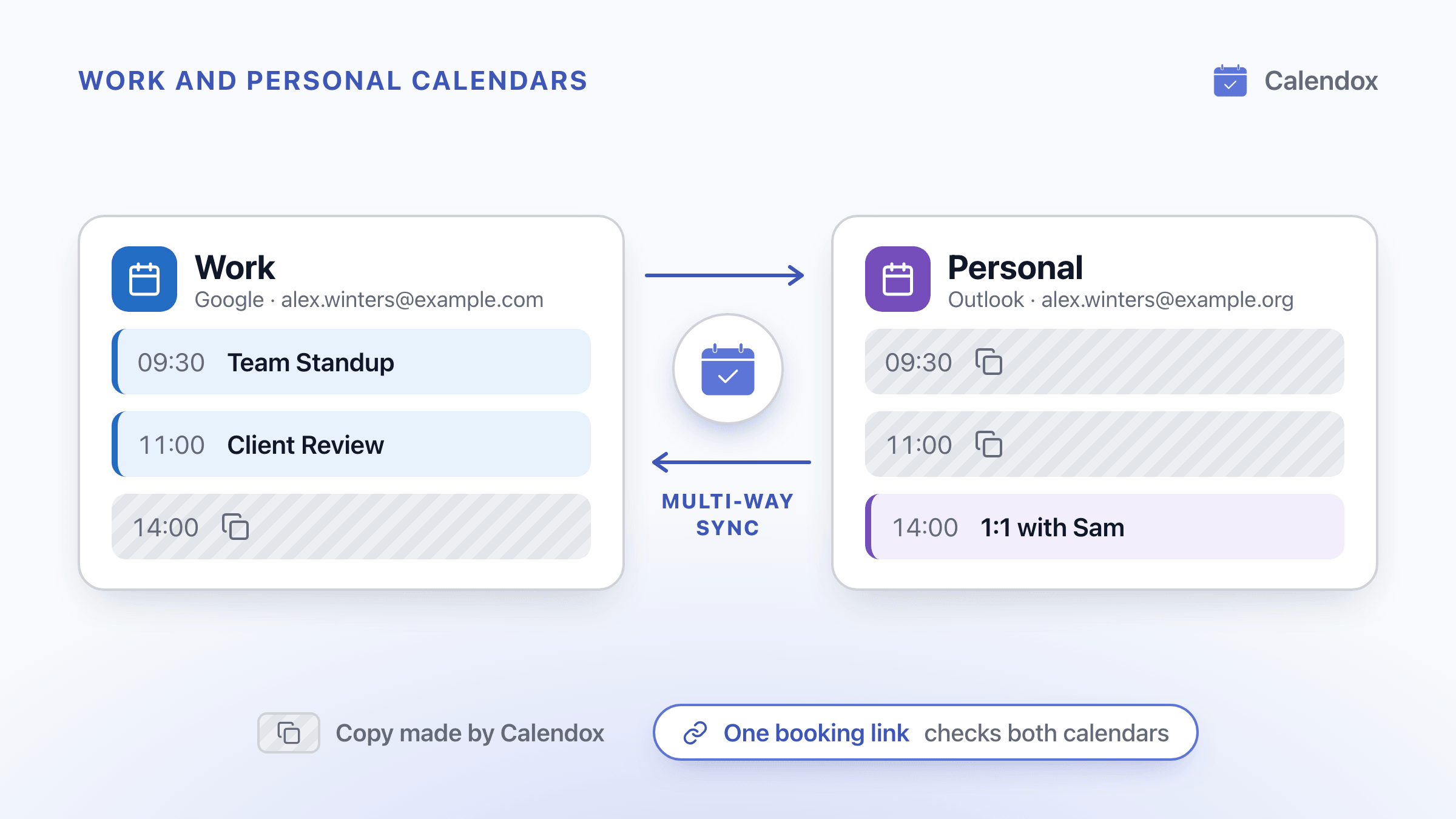
Stop Double-Booking Work and Personal Calendars
Why work and personal calendars double-book you, where Outlook and Google fixes stop, and how to block time privately and share a booking link that checks both.
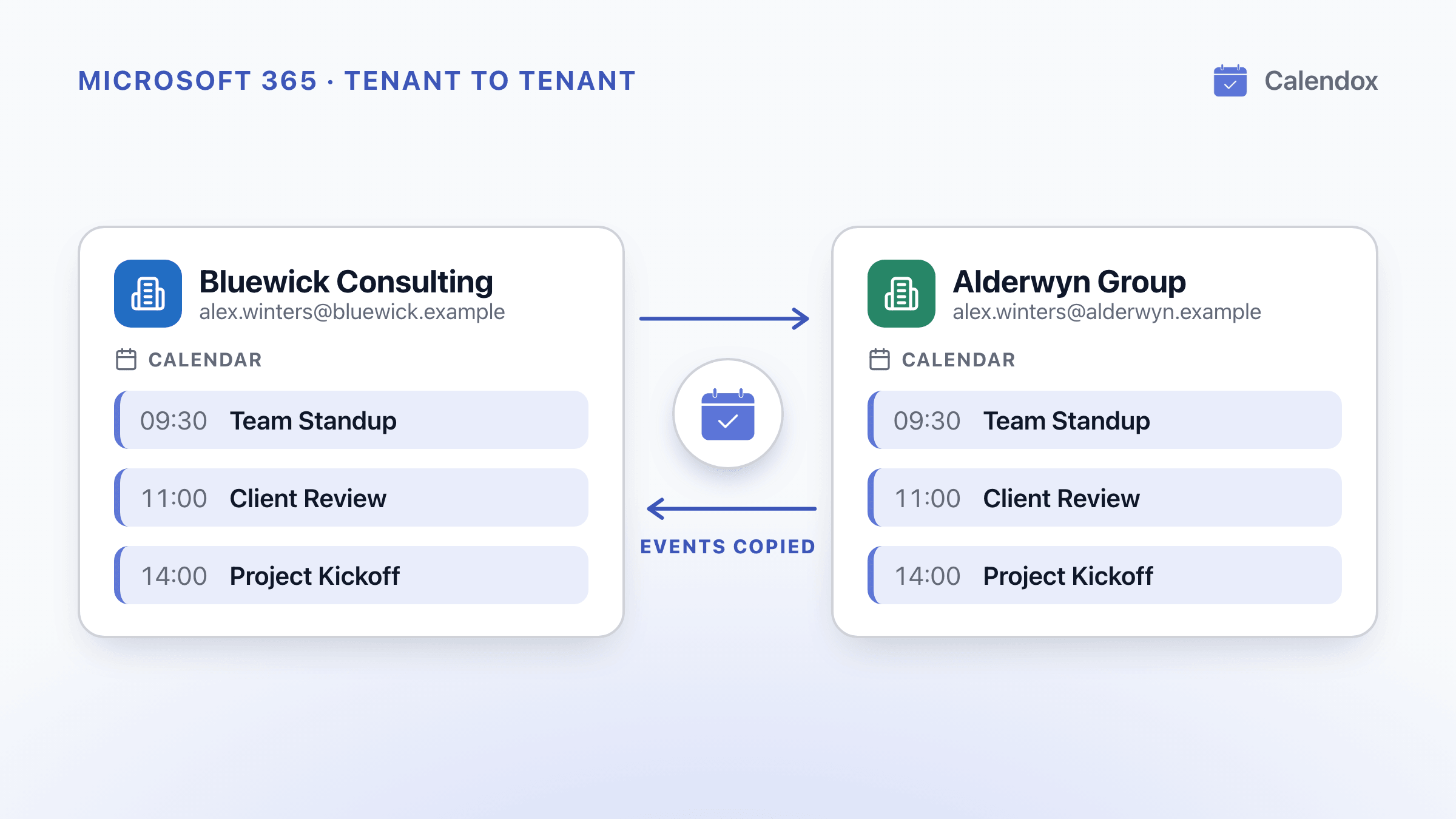
Calendar Sync Between Two Microsoft 365 Tenants
What two Microsoft 365 tenants can share, how the EWS shutdown starting October 1, 2026 affects it, and how to keep events synced across tenants.