
Calendox vs Reclaim.ai: Calendar Sync Compared
By CalendoxPublished Updated 7 min read
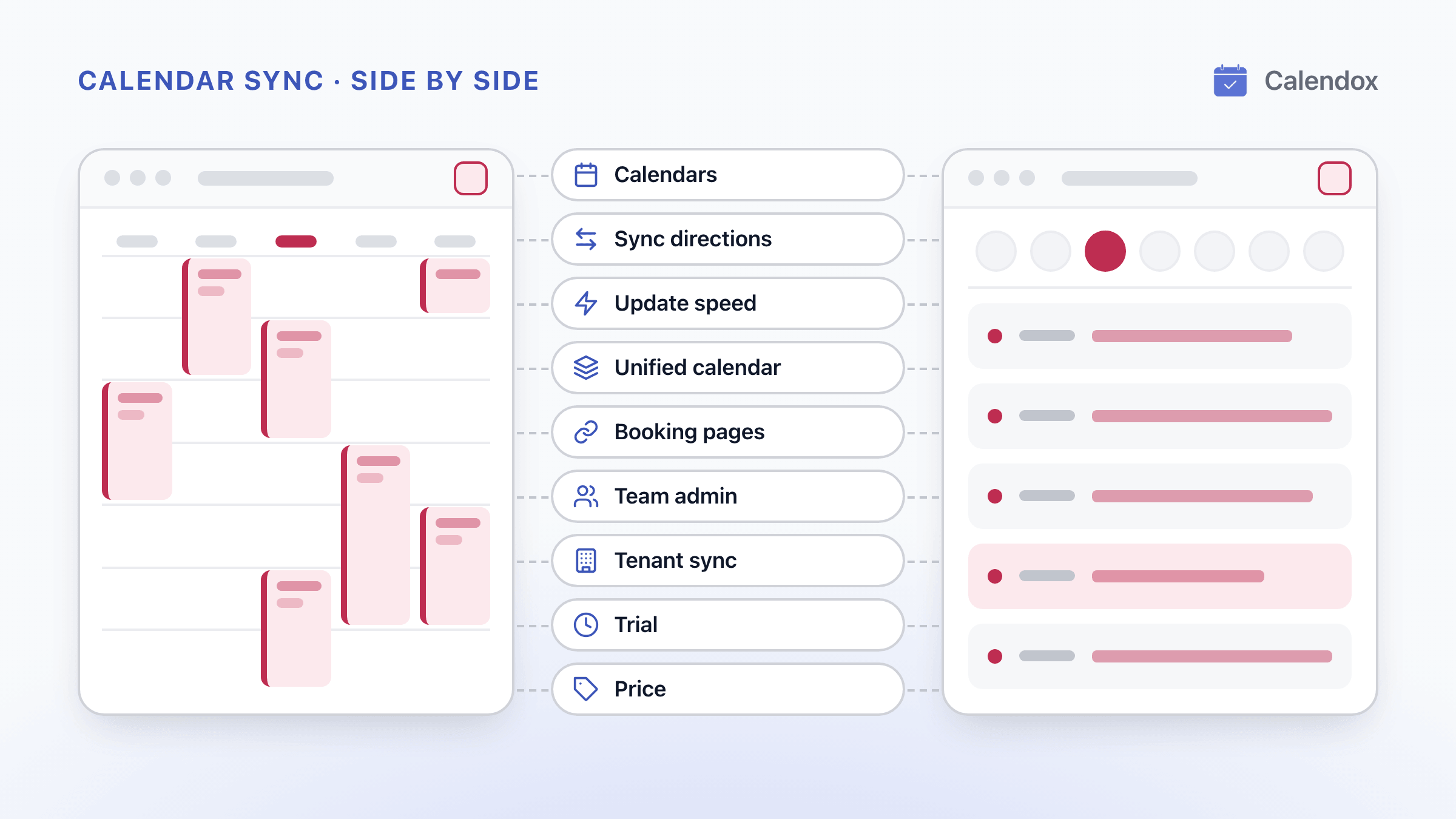
Calendox publishes this page and is one of the two products compared. Reclaim.ai details come from the public sources linked under Sources; we have not tested Reclaim.ai hands-on. How we compare
In short
Calendox and Reclaim.ai both sync Google and Outlook calendars. Calendox keeps several calendars identical with one multi-way sync, where Reclaim.ai sets a one-way policy per direction, and costs less per user than Reclaim.ai's paid plans for 2 to 5 calendars. It suits people who want a tool built around calendar sync, and, on Enterprise, organizations that sync calendars between Microsoft 365 tenants.
- A Calendox multi-way sync keeps two or more calendars, each from a different Google or Microsoft account, identical as one sync. Reclaim.ai sets up a one-way policy for each direction.
- Calendox Basic and Standard cost less per user than Reclaim.ai Starter, its lowest paid plan, billed monthly or annually.
- Calendox Enterprise syncs calendars between Microsoft 365 tenants. An admin-run tenant-to-tenant sync is not listed on Reclaim.ai's website (as of October 3, 2026).
Why Calendox
One sync for several calendars
An event created, edited or deleted in any calendar of a multi-way sync reaches all the others, with no separate rule for each direction.
Lower price for 2 to 5 calendars
Keep 2 calendars in step on Basic, or up to 5 on Standard, for less per user than Reclaim.ai Starter, its lowest paid plan.
Sync calendars across Microsoft 365 tenants
On Enterprise, an administrator connects two or more Microsoft 365 tenants, and calendars pair automatically when the email username and calendar name match.
Mix plan tiers in one team
A Business team can hold licenses on different tiers, and each member's limits follow their own license.
Feature comparison
| Feature | Calendox | Reclaim.ai |
|---|---|---|
| Three or more calendars in one sync (Calendox advantage) | Yes, Up to 25 on Premium, separate accounts | Partly, One source, one target per policy [3] |
| Microsoft 365 tenant-to-tenant sync (Calendox advantage) | Yes, Admin-run, on Enterprise accounts | Partly, Per-user sync across tenants [4] |
| Google Calendar and Outlook calendars | Yes, No shared-mailbox calendars | Yes [2] |
| One-way and multi-way sync | Yes, On every plan | Yes, Two-way from two one-way policies [3] |
| Near real-time Google and Microsoft sync | Yes, Typically under a minute | Yes, Described as real time [4] |
| Field choice and event filters | Partly, Fields and privacy, no filters | Yes, Visibility levels plus event filters [10] |
| More than 25 calendars per user | No, Up to 25 on Premium, with 25 syncs | Yes, Unlimited on paid plans; syncs vary [1] |
| Unified calendar | Yes, Web app, Personal and Business | Yes, The Planner, where you can add events [11] |
| Booking pages with meeting links | Yes, 2 on Basic, then unlimited (fair use) | Yes, 1 on Lite, 3 on Starter, then unlimited [1] |
| Team administration | Partly, Roles and seats, no SAML or SCIM | Yes, Enterprise: SSO, SCIM, domain capture [1] |
| 14-day free trial, no credit card | Yes, Premium-level on Personal and Business | Yes, Business plan, then Lite ($0) [7] |
- Yes
- Partly
- No
- Calendox advantage
Pricing compared
| Scenario | Calendox | Reclaim.ai |
|---|---|---|
| One person, one one-way sync from one calendar into another, billed monthly (billed per user) | Basic, $5/month | Lite, $0/month (1 Calendar Sync; on Lite, synced copies don't show event details) [1] |
| One person keeping 5 calendars in step, each from a different Google or Microsoft account, billed annually (billed per user) | Standard, $7/month billed annually ($84/year) | Starter, $120/year (lowest paid plan; Calendar Syncs listed as 3 on its plan card and unlimited in its table, as of October 3, 2026) [1] |
| One person keeping 6 to 25 calendars in step, each from a different Google or Microsoft account, billed annually (billed per user) | Premium, $17/month billed annually ($204/year) | Business, $180/year (unlimited Calendar Syncs; Starter costs less still if the 'Unlimited' in its table applies) [1] |
| A team of 10, each syncing up to 5 calendars, billed annually (billed per user) | Standard, $70/month billed annually ($840/year) for 10 users | Starter, $1,200/year for 10 users (up to 10 seats; Calendar Syncs listed as 3 on its plan card and unlimited in its table, as of October 3, 2026) [1] |
Calendox prices are in USD, and taxes may apply by country. Reclaim.ai prices are as published on its website.
Details
| Feature | Calendox | Reclaim.ai |
|---|---|---|
| Calendars supported | Google Calendar and Microsoft Outlook, including personal Microsoft accounts and Microsoft 365. Other calendar services are not supported. | Google Calendar and Outlook. Calendar Sync works only with calendars connected through a Google or Microsoft Outlook account. [2] |
| Sync directions | One-way: one source into one or more targets. Multi-way: two or more calendars kept identical as one sync. Both on every plan, between calendars on different Google or Microsoft accounts. | Two-way sync takes two one-way policies, one for each direction. Events synced into one calendar are not passed on to a third. [3] |
| Update speed | Google and Microsoft notify Calendox as soon as an event changes. Changes typically arrive in under 30 seconds from Google and under 60 from Microsoft; not guaranteed. | Described as real time, 'instantly — not on a timer'. Sync timings are not listed on Reclaim.ai's website. [4] |
| Unified calendar | All your connected Google and Outlook calendars in one calendar, with six views. Events you create or edit there are written back to Google or Microsoft. Not on Enterprise. | The Planner shows all your calendars in one view, and you can create events there. In Reclaim 2.0, Preview Mode stages changes before they are applied to the live Google or Outlook calendar. [5] |
| Booking pages | Basic: 2 pages. Standard, Premium and the Personal and Business trial: unlimited, with fair-use limits. Premium removes Calendox branding. No team (collective) pages. Not on Enterprise. | Scheduling Links: 1 on Lite, 3 on Starter, unlimited on Business and Enterprise. Team links from Starter; round-robin links and branding removal on Business and Enterprise. [1] |
| Team administration | Business accounts: Admin and Member roles and per-seat licenses. A team can hold licenses on different tiers, and each member's limits follow their own license. | Up to 10 seats on Starter, 100 on Business and at least 100 on Enterprise; every user on a team is on the same plan. User and role management from Starter; SSO, SCIM and domain capture on Enterprise. [1] |
| Microsoft 365 tenant-to-tenant sync | Yes, on Enterprise: an administrator connects two or more Microsoft 365 tenants and pairs calendars by matching email username and calendar name, or by hand or CSV. | Each user can sync their own calendars across organizations. An admin-run sync between Microsoft 365 tenants is not listed on Reclaim.ai's website (as of October 3, 2026). [4] |
| Trial | 14-day free trial, no credit card required, at Premium-level limits (25 calendars, 25 syncs) for each Personal account and Business member. Enterprise: up to 5 imported secondary-tenant calendars. | A 14-day trial of the Business plan for every new account. Reclaim Lite ($0) needs no credit card. [7] |
Choose Calendox if…
- You'd rather set up one sync than a separate one-way policy for each direction.
- You want to pick which event fields each sync copies, and whether copies keep their reminders.
- Your organization runs more than one Microsoft 365 tenant and wants an administrator to sync calendars between them.
- Your team wants to mix plan tiers instead of putting everyone on the same plan.
Questions
How do Calendox and Reclaim.ai differ?
Calendox is built around calendar sync. Reclaim.ai is an AI scheduling app, and its pricing page lists Calendar Sync and Scheduling Links as two parts of a wider suite. Calendox pairs one-way and multi-way sync with booking pages, and its Enterprise accounts sync calendars between Microsoft 365 tenants.
Does Reclaim.ai sync calendars both ways?
Yes, by pairing two one-way policies, one for each direction. Reclaim.ai's help center says two-way sync takes two policies, and that events synced into one calendar are not passed on to a third.
A Calendox multi-way sync does this as a single sync, for two or more calendars on different Google or Microsoft accounts. An event created, edited or deleted in any of them reaches all the others within seconds. The whole sync takes one sync slot on every plan.
How many syncs does it take to keep 5 calendars in step?
One in Calendox: a multi-way sync of all 5 calendars, each from a different Google or Microsoft account. It fits the Standard plan's 5 calendars and 5 syncs.
With one-way rules in every direction, 5 calendars need 20 one-way policies (5 × 4). Reclaim.ai's own guide for someone with many calendars uses 16 policies for 5 calendars.
Is Calendox cheaper than Reclaim.ai?
On paid plans, yes for 2 to 5 calendars. Calendox Basic and Standard cost less per user than Reclaim.ai Starter, its lowest paid plan, whether billed monthly or annually. Two cases go the other way:
- Reclaim Lite ($0) includes 1 Calendar Sync at no charge.
- For 6 to 25 calendars, Reclaim.ai Business costs less than Calendox Premium.
The pricing table above prices each scenario for the same number of users. A Calendox sync can be multi-way and still counts once, so the table compares prices per user, not per sync.
Reclaim.ai puts every user on a team on the same plan. A Calendox Business team can mix license tiers. On Enterprise, Reclaim.ai also offers SSO, SCIM, domain capture and a Google Workspace domain-wide rollout.
Can Reclaim.ai sync calendars between two Microsoft 365 tenants?
Each Reclaim.ai user can sync their own calendars across organizations, as its Calendar Sync page describes. An admin-run sync between Microsoft 365 tenants is not listed on Reclaim.ai's website (as of October 3, 2026).
Calendox Enterprise runs that sync from one administrator account. The administrator connects two or more Microsoft 365 tenants. Calendox pairs calendars across them when the email username and calendar name both match, and the rest are paired by hand or by CSV. Each imported secondary-tenant calendar takes one seat, and master-tenant calendars are free.
For what Microsoft 365 offers on its own, read our guide to Microsoft 365 tenant-to-tenant calendar sync.
Can I choose what synced copies show?
Yes. In Calendox, you pick the fields each sync copies: title, description, participants, location and meeting link. You also choose whether copies are marked private or created without reminders. See Create your first sync.
In Reclaim.ai, each sync policy has a visibility level, from a Commitment block or Busy for all to event details. On Lite, synced copies don't show event details.
What happens when the trial ends?
In Calendox, syncs pause when the 14-day free trial ends without a subscription. Connections and settings are kept, and syncing resumes when you subscribe. On a Business team, a member's paused syncs restart once a license from the team's subscription is assigned to them.
Reclaim.ai's 14-day trial is of its Business plan. Afterwards the account moves to Reclaim Lite ($0), with a 28-day overage period for features beyond Lite's limits.
Sources
- Reclaim.ai: Pricing
- Reclaim.ai Help: Calendar Sync overview
- Reclaim.ai Help: Using Calendar Sync to sync calendars in multiple directions
- Reclaim.ai: Calendar Sync feature page
- Reclaim.ai Help: Reclaim 2.0 FAQ
- Reclaim.ai Help: How Reclaim's pricing and plans work
- Reclaim.ai: Homepage
- Reclaim.ai Help: What happens at the end of a free trial
- Reclaim.ai Help: Configuring Calendar Sync as a consultant or someone with many calendars
- Reclaim.ai Help: Creating and customizing your Calendar Sync policies
- Reclaim.ai: Planner feature page
- Calendox: Pricing
- Calendox Docs: Enterprise accounts
- Reclaim.ai Help: Using Google Workspace service accounts to roll out Reclaim to your enterprise
Related reading
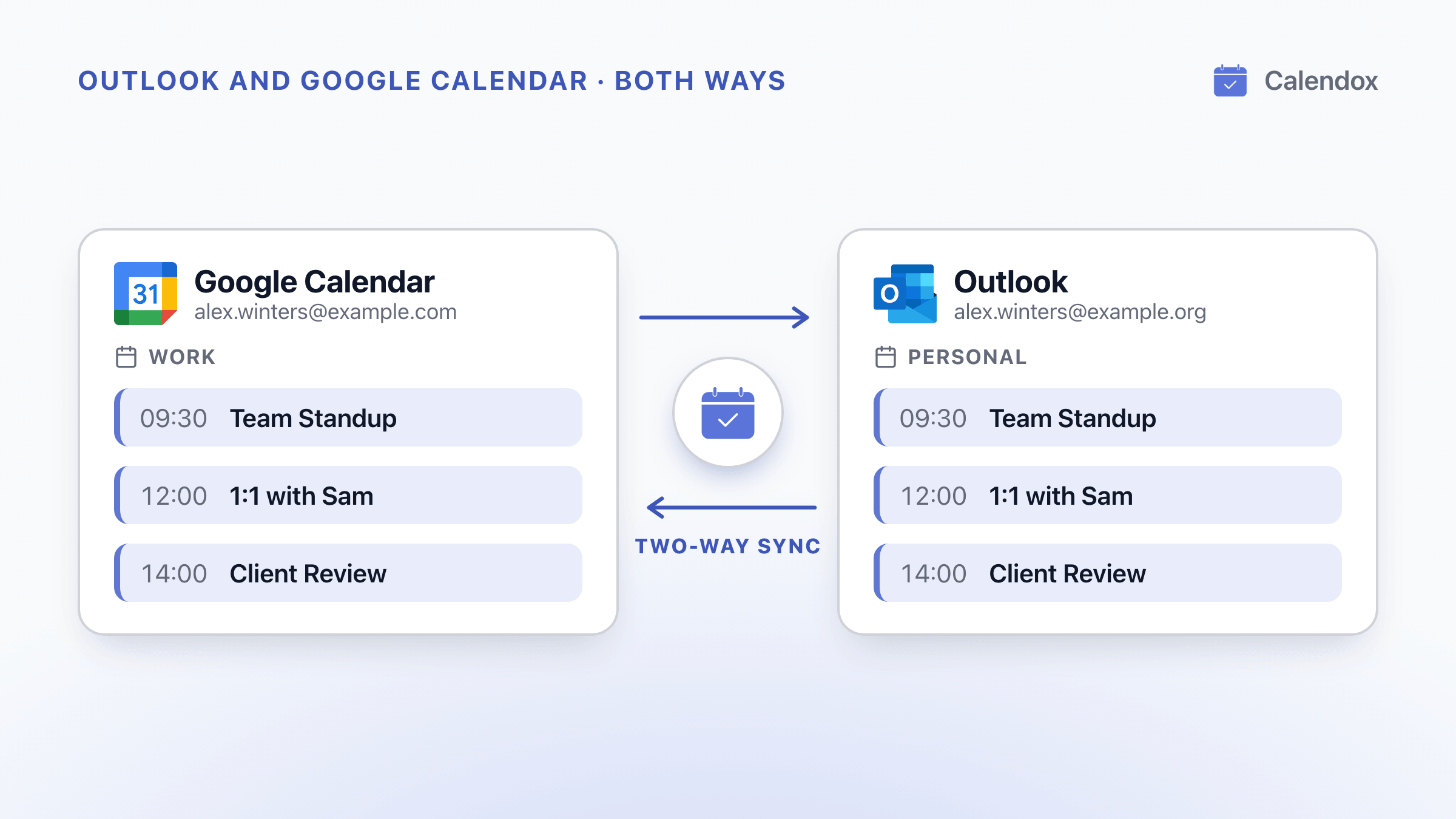
Sync Outlook and Google Calendar Both Ways
What Outlook and Google Calendar's built-in options do, where Microsoft and Google say each one stops, and how to keep both calendars in two-way sync.
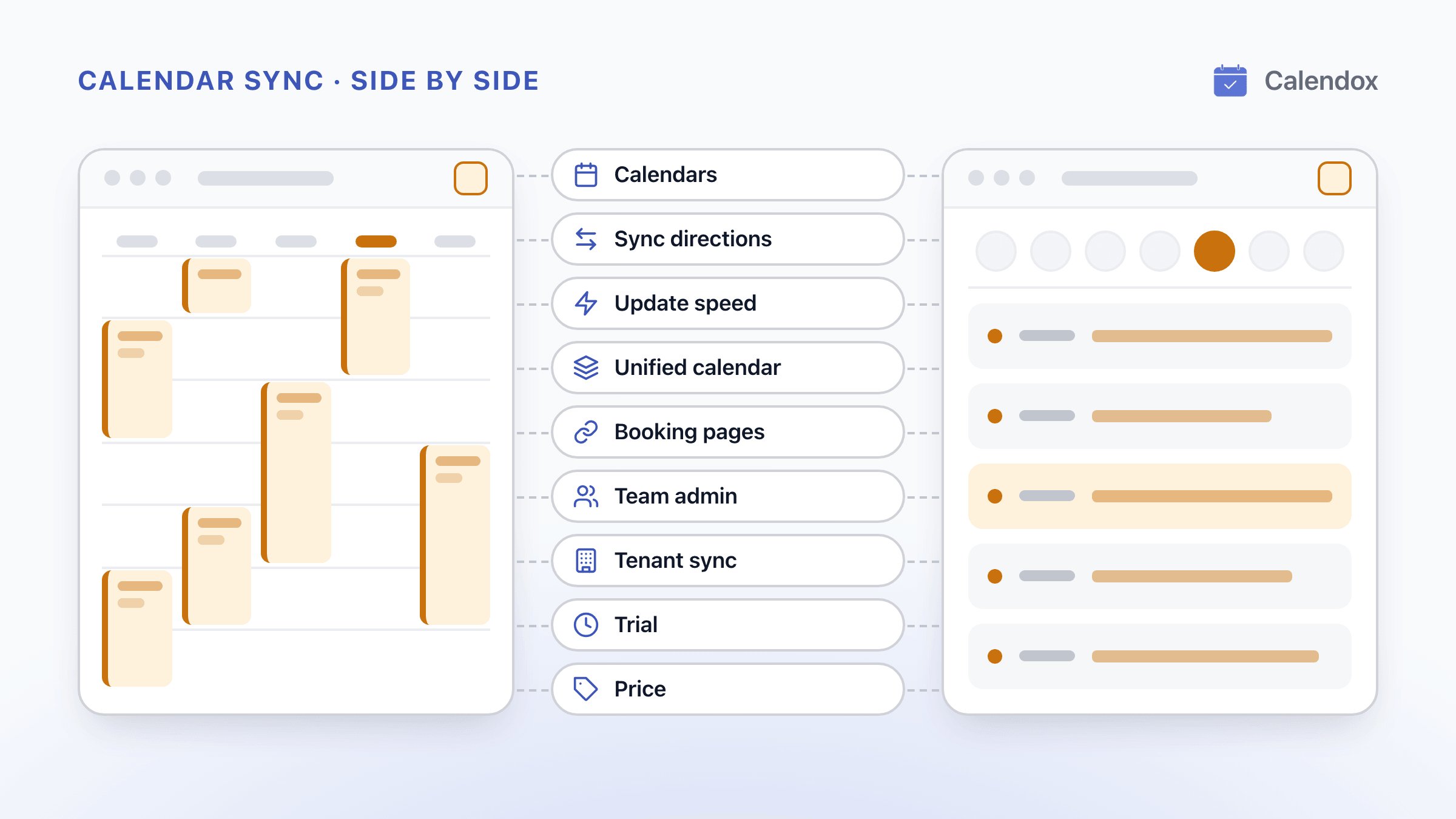
Calendox vs OneCal: Calendar Sync and Pricing Compared
Calendox and OneCal side by side, with per-user prices at each tier, how far ahead Outlook events are copied, Microsoft 365 tenant sync and the trials.
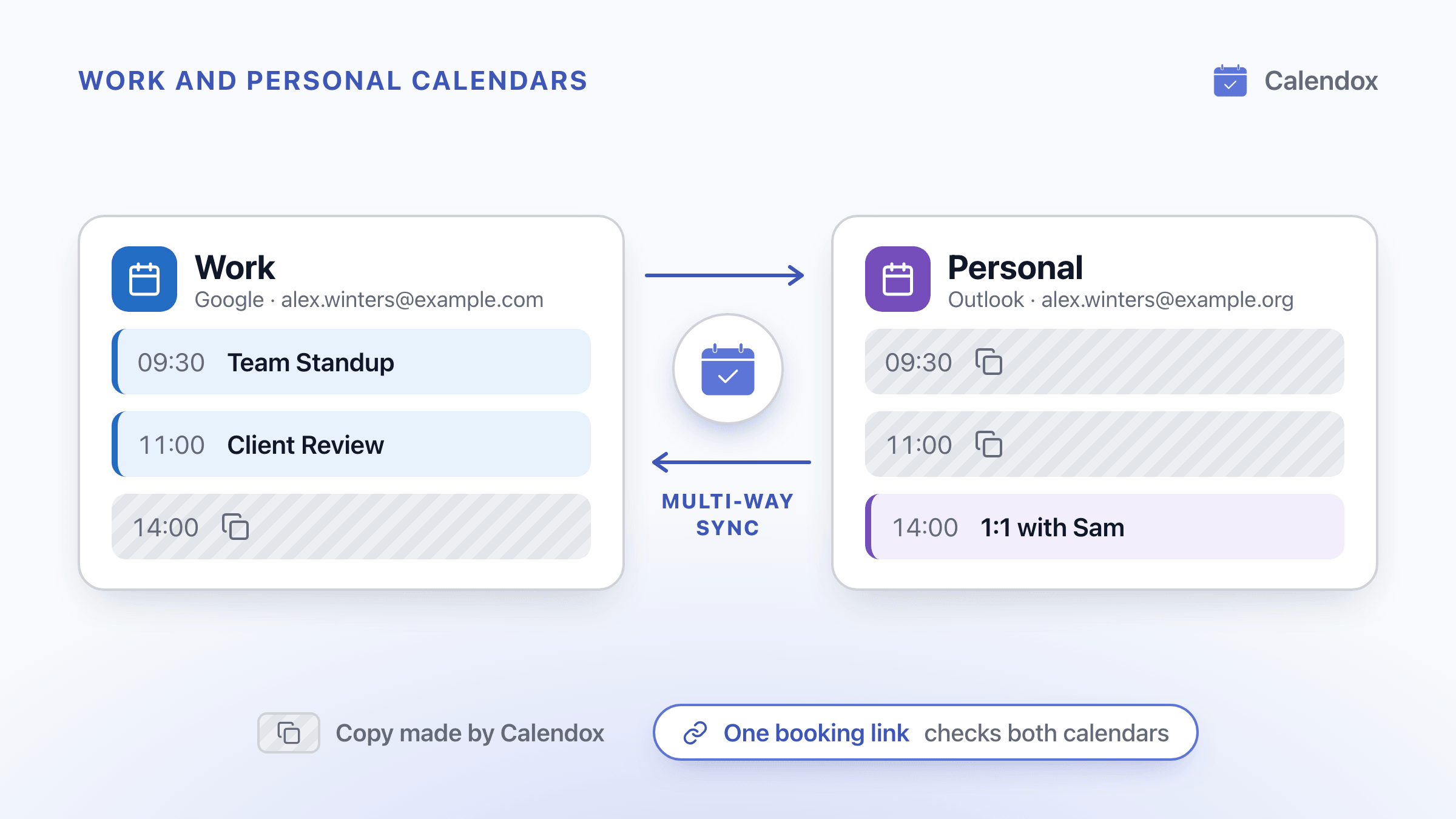
Stop Double-Booking Work and Personal Calendars
Why work and personal calendars double-book you, where Outlook and Google fixes stop, and how to block time privately and share a booking link that checks both.