
Sync Outlook and Google Calendar Both Ways
By CalendoxPublished Updated 11 min read
In short
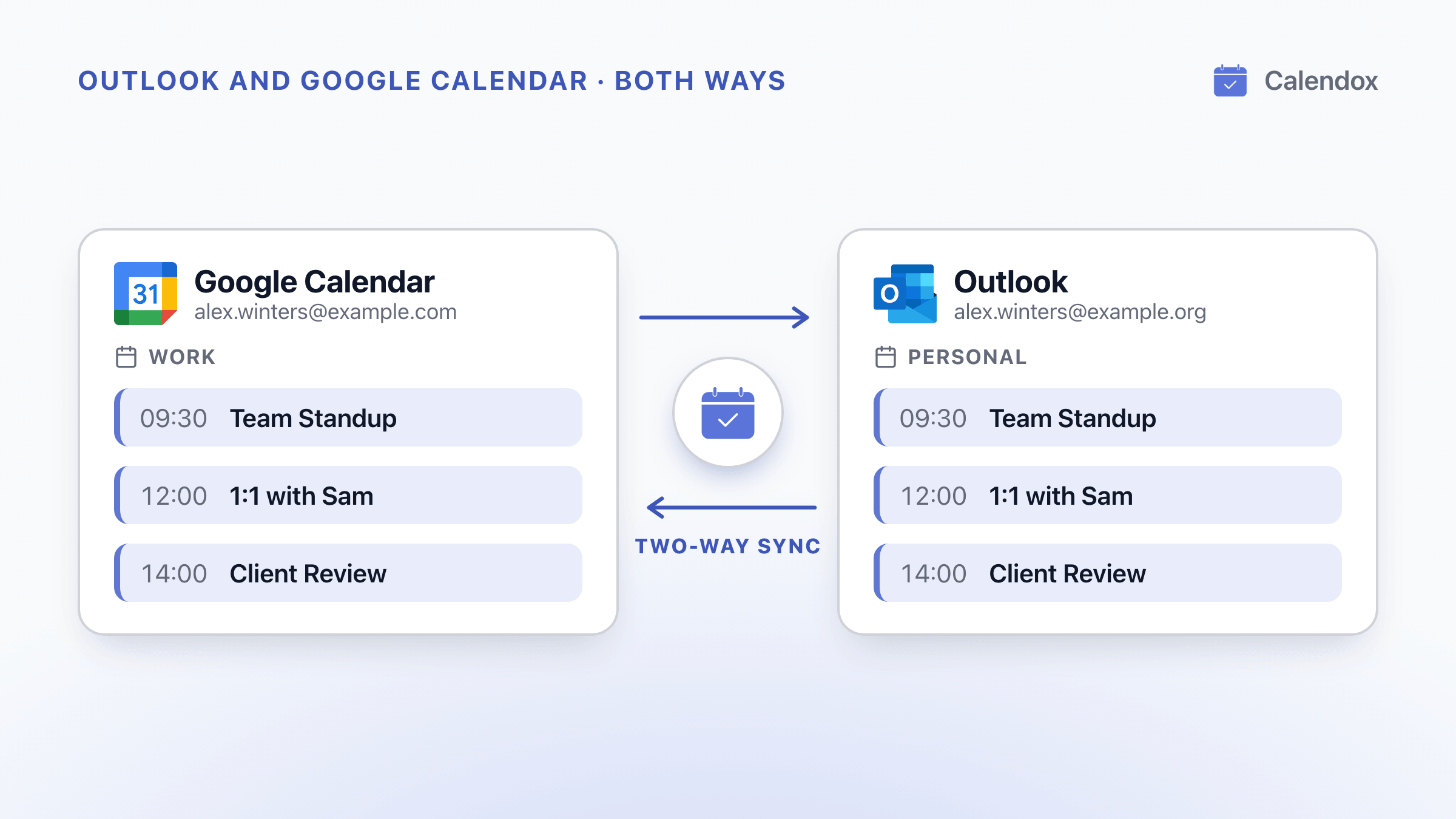
Outlook and Google Calendar's built-in options let you subscribe to a read-only feed, import a one-time snapshot, or add a Gmail account to new Outlook and work with the Google calendar there. Neither Microsoft nor Google describes any of them as copying events between the two calendars as they change. For a true two-way sync, connect both accounts to Calendox and create a multi-way sync.
- Adding a Gmail account to new Outlook lets you work with the Google calendar inside Outlook, but Microsoft's page doesn't describe the Google events being added to your Microsoft 365 or Outlook.com calendar.
- Microsoft says a subscribed calendar should update about every 3 hours in Outlook.com and about every 6 hours in Outlook on the web for work or school accounts, and that an update can take more than 24 hours.
- Microsoft Learn says the calendar sync between Google Workspace and Microsoft Teams is not supported from October 2026, and calendars previously set up for it no longer sync.
- A Calendox multi-way sync keeps a Google and an Outlook calendar identical whichever one you edit. New events, edits and deletions reach the other calendar within seconds.
Can Outlook and Google Calendar sync both ways on their own?
Not between two separate calendars, going by the options Microsoft and Google document. Microsoft Outlook and Google Calendar are separate services. Their built-in options let you:
- see one calendar inside the other app (some Outlook apps also let you edit a Google calendar);
- subscribe to a read-only feed;
- import a one-time snapshot.
Neither company describes any of them as copying events between the two calendars as they change.
Say Alex Winters keeps a Google calendar called Work and an Outlook calendar called Personal, and moves Client Review from 11:00 to 14:00 in Google Calendar. What Outlook shows depends on the option:
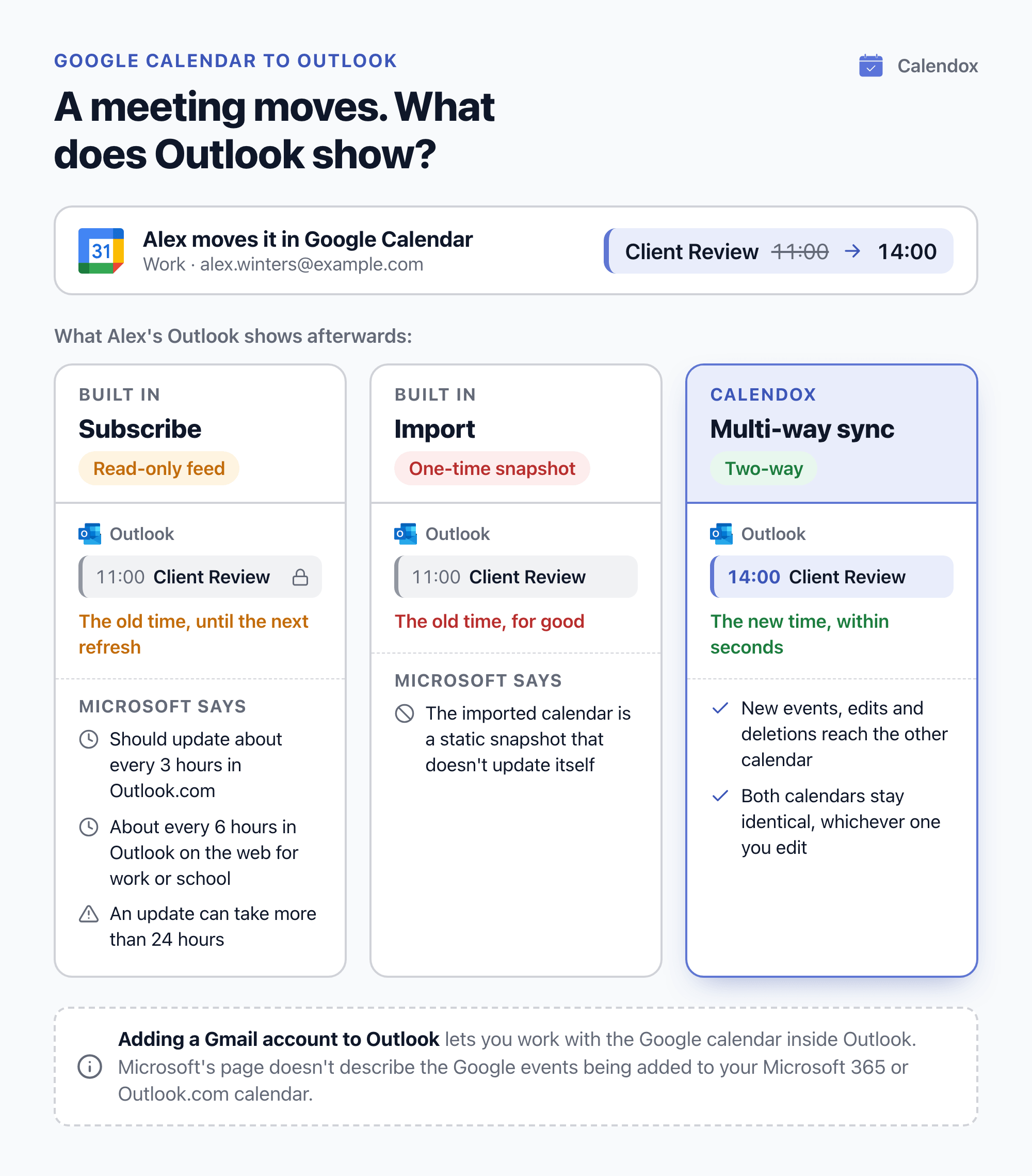
Each option's main limit, as Microsoft or Google documents it:
| Option | Main limit |
|---|---|
| Subscribe to a Google calendar in Outlook | A read-only feed with delayed updates |
| Subscribe to an Outlook calendar in Google Calendar | A read-only feed; anyone with the link can view it |
| Export and import | A one-time snapshot: imported events don't stay in sync |
| Add a Gmail account to Outlook | Not described as adding Google events to your Microsoft calendar |
| Add personal calendars (work or school) | Outlook on the web only; only primary-calendar events count toward availability |
| Google Workspace Sync for Microsoft Outlook (GWSMO) | Windows desktop Outlook only; not for personal @gmail.com accounts |
| Calendar Interop (Google Workspace admins) | Only busy blocks for availability, and only titles and locations for extra details |
To keep both calendars identical, set up two-way sync with Calendox.
How do you see your Google calendar in Outlook?
Subscribe to it, following Microsoft's steps for viewing your Google Calendar in Outlook:
- Copy the address. In Google Calendar, open the calendar's Settings and sharing, go to Integrate calendar, and copy the Secret address in iCal format.
- Subscribe in Outlook. In Outlook.com, Outlook on the web or new Outlook for Windows, choose Add calendar, then Subscribe from web, and paste the address.
Classic Outlook gets import steps instead, which Microsoft says make a static snapshot that does not update itself.
What a subscription gives you:
- Read-only events. Microsoft says ICS calendars are read-only, and Google describes its iCal link as a view-only option, so you can't edit the events from Outlook.
- Delayed updates. Microsoft says a subscribed calendar should update about every 3 hours in Outlook.com and about every 6 hours in Outlook on the web for work or school accounts, and that an update can take more than 24 hours.
Keep the address private. Google's calendar help says only you should know the Secret Address: click Reset if you shared it by accident. Google also says that with a work or school account, your admin may have changed the sharing settings, so the address may not be available.
How do you see your Outlook calendar in Google Calendar?
Publish it from Outlook on the web, then add its link to Google Calendar:
- Publish the calendar. In Outlook on the web, publish it from Calendar settings and copy its ICS link. Microsoft says your organization's settings may make sharing unavailable or limit it to people in your organization.
- Add it in Google Calendar. Next to Other calendars, choose Add other calendars, then From URL, and paste the link.
The documented limits:
- Microsoft says published calendars are read-only and viewable by anyone with the link.
- Google says you can subscribe only from a computer web browser, not its mobile apps, and add a calendar by link only if it is public.
- Microsoft says how often a published ICS calendar syncs depends on the recipient's email provider. Google's help page for adding a calendar from a URL doesn't say how often it refreshes.
What happens when you add a Gmail account to Outlook?
You work with the Google calendar inside Outlook, but Microsoft's page doesn't describe the Google events being added to your Microsoft 365 or Outlook.com calendar.
- New Outlook for Windows, new Outlook for Mac, and Outlook for iOS and Android can add a Gmail account and sync it to the Microsoft Cloud.
- Microsoft says this syncs a copy of the account's email, calendar and contacts between Google and Microsoft data centers, leaving the account and Google's own apps unchanged.
- Google says that with some calendar apps that sign in with your Google account, you can add and edit events from either Google Calendar or the other app.
What options do work and school accounts have?
Three, each tied to a work or school account or a Google Workspace organization. The table above gives their main limits.
Add personal calendars in Outlook on the web
Microsoft says a work or school account in Outlook on the web can connect one Outlook.com or Google account, view and manage its calendars there, and include its events in your work availability, which is on by default. Others see them in the Scheduling Assistant only as Tentative, Busy or Away, without details.
In a January 2026 thread on Microsoft Q&A, Microsoft's community forum, a Microsoft External Staff moderator wrote that since late 2025 many users had reported Google events no longer appearing through this feature, and that Microsoft had not officially announced its removal. Microsoft's support page still described the feature in September 2026.
Google Workspace Sync for Microsoft Outlook (GWSMO)
Google says GWSMO syncs Workspace email, calendar and contacts with Windows desktop versions of Outlook only, not Outlook on the web, Outlook for Mac, iOS or Android, or Outlook from Microsoft Store. Google also says:
- installing it needs local administrator permissions;
- a Workspace admin must first turn it on in the Google Admin console;
- it doesn't work with personal @gmail.com accounts;
- a GWSMO profile can't include a Microsoft Exchange account.
Calendar Interop
Google says Calendar Interop, which a Workspace admin sets up with Microsoft Exchange or Microsoft 365, lets people in both systems see each other's availability and book rooms across systems. Google also says only busy blocks are visible for availability, and only event titles and locations for extra event information.
What changes from October 2026?
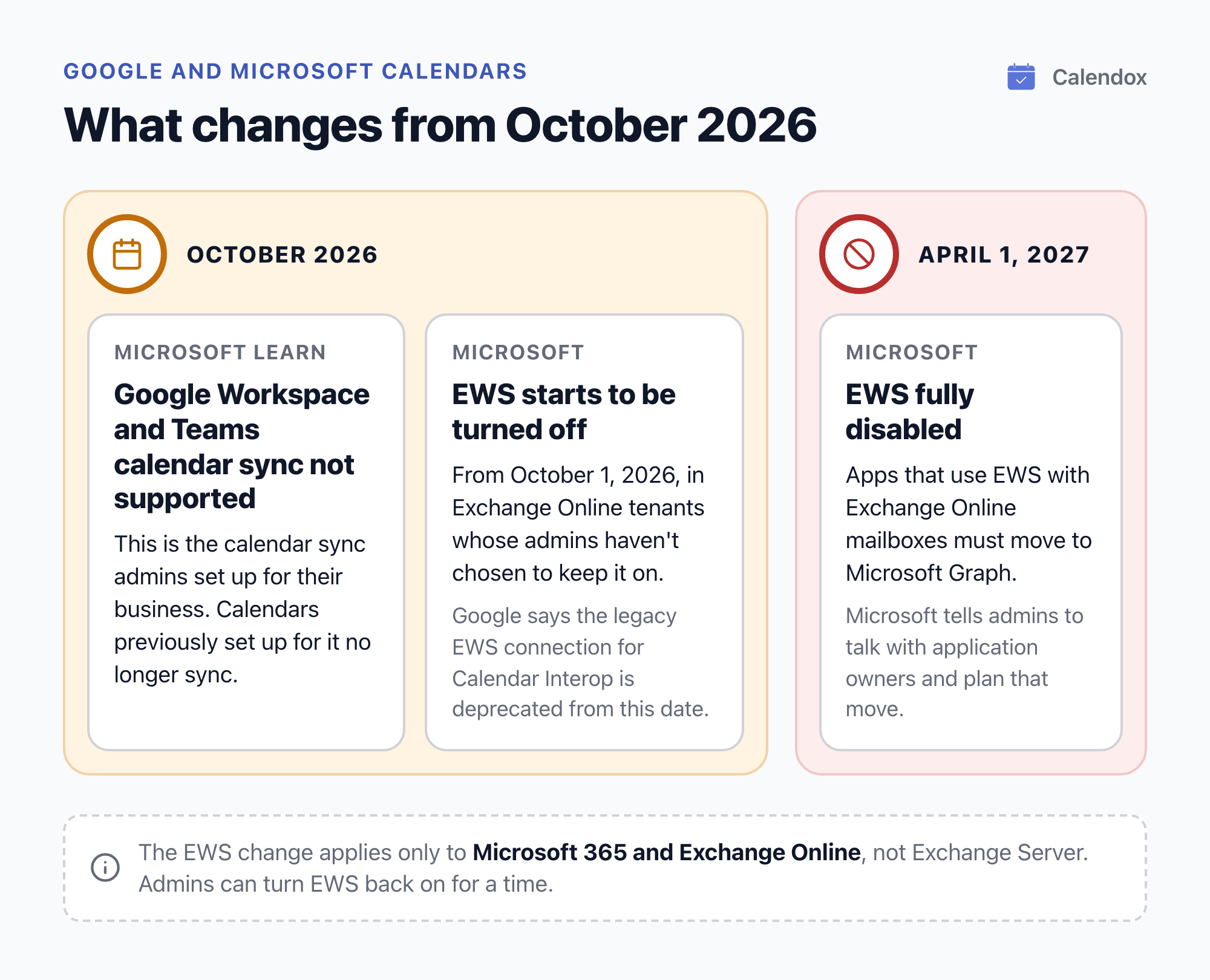
Microsoft Learn says the calendar sync between Google Workspace and Microsoft Teams, which admins set up for their business, is not supported from October 2026, and calendars previously set up for it no longer sync. Microsoft also says Exchange Web Services (EWS) starts to be turned off in Exchange Online from October 1, 2026.
Exchange Web Services (EWS)
Microsoft's Exchange Team announcement says that from October 1, 2026, as the change rolls out, EWS is turned off in Exchange Online tenants whose admins haven't chosen to keep it on. Admins can turn it back on for a time, and EWS is fully disabled from April 1, 2027. Microsoft Learn's timeline gives the same months.
- Microsoft says this applies only to Microsoft 365 and Exchange Online, not Exchange Server.
- Microsoft says apps that use EWS with Exchange Online mailboxes must move to Microsoft Graph, and tells admins to talk with application owners and plan that move.
- For Calendar Interop, Google's admin help says Microsoft deprecates the legacy EWS connection from October 1, 2026, and recommends the Graph API instead.
- In May 2025, Google recommended that admins move their Calendar Interop setup to the Microsoft Graph API as soon as possible.
For what the EWS change means between two Microsoft 365 organizations, see calendar sync between two Microsoft 365 tenants.
How do you set up two-way sync with Calendox?
Connect both accounts and create a multi-way sync. Create your first sync has the full walkthrough.
- Start a trial. Create a Calendox account. The 14-day free trial needs no credit card. The trial is one per email address: during the trial, you can't connect a provider account whose email has already used a Calendox trial.
- Connect both accounts. Connect your Google account and your Microsoft account through each provider's own sign-in and consent screen. Calendox never sees your Google or Microsoft password.
- Import the calendars. After connecting each account, choose which calendars to import. Each imported calendar counts as one calendar connection. Connecting the account itself doesn't count. Only calendars Calendox can write to can be imported. Read-only calendars, such as one shared with you as view-only or a subscribed calendar, can't be, so sync the original calendars.
- Choose the sync type. Pick multi-way, which keeps both calendars identical whichever one you edit. A one-way sync copies one calendar into the other. Edits made to a copy never flow back, and the next change to the source event overwrites them.
- Choose what each copy carries. Tick the fields to copy: title, description, participants, location and meeting link. Unticked fields are left off. You can also mark copies as private and create them without reminders, so you aren't reminded twice. To change these choices later, delete the sync (which removes its copies) and create it again.
- Submit. Calendox first copies existing events from the start of the previous month up to one year ahead, recurring series included. After that, new events, edits and deletions reach the other calendar within seconds.
Some Microsoft 365 and Google Workspace organizations restrict third-party apps. In Microsoft 365, "Microsoft did not grant Calendox access to this account." means nothing is connected until your IT admin grants consent.
How does Calendox keep both calendars in step?
Calendox registers for push notifications with Google and Microsoft instead of polling on a schedule, so changes propagate in seconds. If the same event is edited in both calendars, the change that reaches Calendox last wins and is applied to the other calendar.
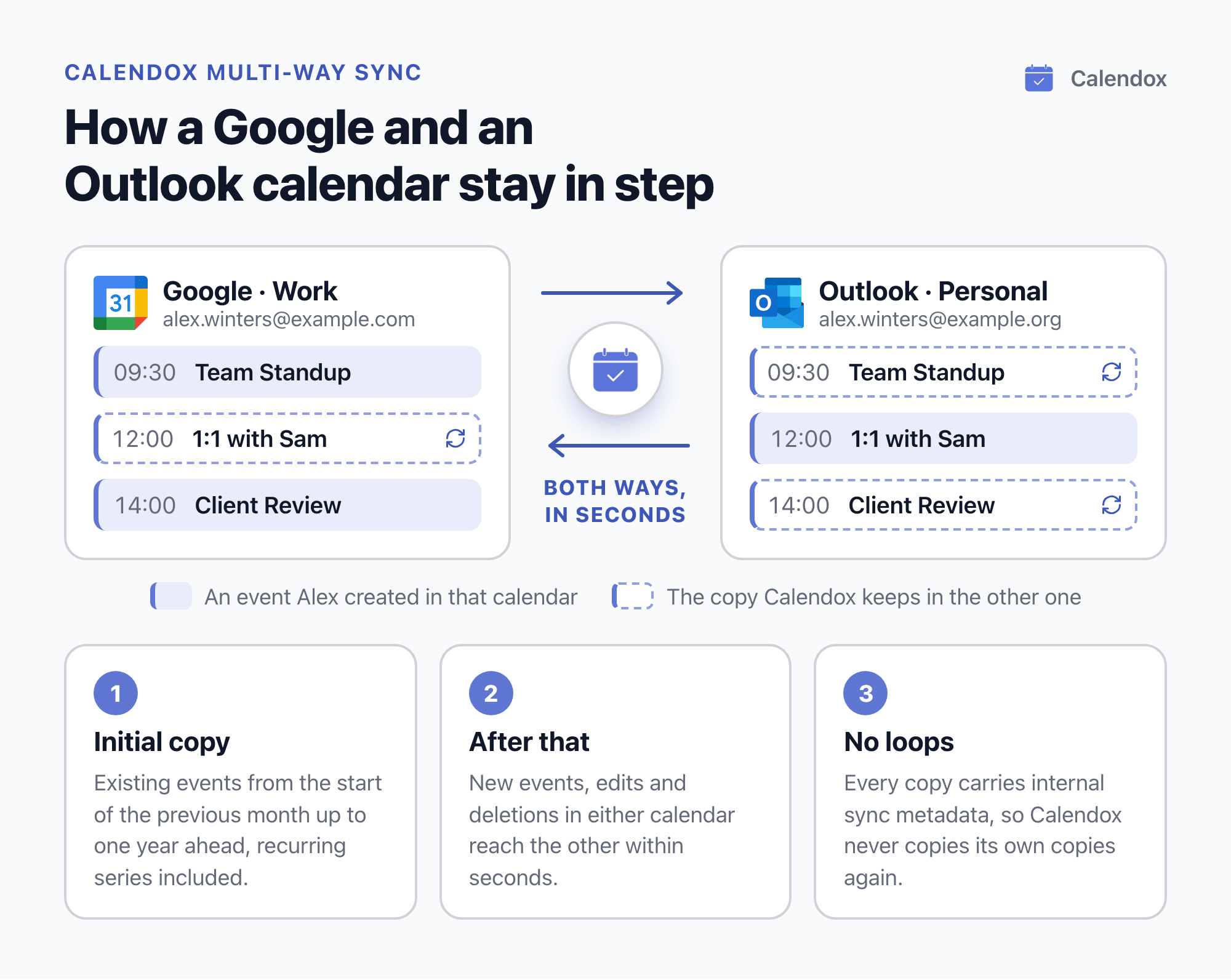
Built-in protections prevent duplicates and loops:
- A calendar can be imported only once across Calendox and can belong to only one sync at a time, whatever that sync's status.
- Every copy carries internal sync metadata, so Calendox never copies its own copies again.
- A second guard skips events another sync tool has already mirrored.
Calendox doesn't store your event content. Titles, descriptions and locations pass through to the provider and are never written to the Calendox database. More in how calendar sync works.
Can you keep personal details private?
Up to a point. Calendox copies only the fields you tick and can mark copies as private (step 5), but some people still see a private event's details:
- Google's event visibility help says people with "Make changes to events and see event details" access or higher still see them. Others see a block labeled Busy.
- Microsoft's private meeting guide says you, the meeting attendees and delegates allowed to view private items still see them.
For a work and a personal calendar, see how to stop double-booking work and personal calendars.
What else do people ask about syncing Outlook and Google Calendar?
Can Outlook and Google Calendar sync both ways without extra software?
Not between two separate calendars, going by the options Microsoft and Google document. Adding a Gmail account to new Outlook or the Outlook mobile apps lets you work with the Google calendar inside Outlook, and Google calls this kind of sign-in a sync that lets you add and edit events from either app. Subscriptions are read-only feeds, and Microsoft and Google both say imported events don't stay in sync.
Can Calendox sync a calendar I've subscribed to?
No. A subscribed calendar is read-only, and Calendox imports only calendars it can write to (step 3). Sync the original calendar instead.
Which calendars does Calendox support?
Google Calendar, including personal Gmail and Google Workspace, and Microsoft Outlook, including outlook.com, hotmail.com and live.com accounts and Microsoft 365 work or school accounts. Other calendar services are not currently supported.
Which Calendox plan does a two-way sync need?
Basic is enough. A two-way Google and Outlook pair uses 2 calendar connections and 1 sync, and Basic includes 2 connected calendars and 2 active syncs. Multi-way sync is included on every paid plan. Current prices are on the pricing page.
What happens when the trial ends?
If the trial ends without a subscription, your syncs are paused and events already synced stay in your calendars. Syncs resume when you subscribe.
Sources
- Microsoft Support: View your Google Calendar in Outlook
- Microsoft Support: Import or subscribe to a calendar in Outlook.com or Outlook on the web
- Microsoft Support: Export an Outlook calendar to Google Calendar
- Microsoft Support: Share your calendar in Outlook on the web
- Microsoft Support: Introduction to publishing Internet Calendars
- Microsoft Support: Sync your account in Outlook to the Microsoft Cloud
- Microsoft Support: Show personal events on your work or school calendar
- Microsoft Support: Make an appointment or meeting private
- Microsoft Q&A: Google Calendar Syncing No Longer Working for Outlook on the Web?
- Microsoft Learn: Set up calendar syncing between Google Workspace and Microsoft Teams
- Microsoft Learn: Deprecation of Exchange Web Services in Exchange Online
- Exchange Team Blog: Exchange Online EWS, Your Time is Almost Up
- Google Calendar Help: Sync your calendar with computer programs
- Google Calendar Help: Subscribe to someone else's calendar
- Google Calendar Help: Import events to Google Calendar
- Google Calendar Help: Change event & task visibility on your calendar
- Google Workspace Admin Help: System requirements (GWSMO)
- Google Workspace Admin Help: Get ready & install GWSMO
- Google Workspace Learning Center: 2. Sign in to your Google Account (GWSMO)
- Google Workspace Learning Center: GWSMO FAQ
- Google Workspace Admin Help: About Calendar Interop
- Google Workspace Admin Help: Allow Calendar users to see Exchange availability
- Google Workspace Updates: Configure Calendar interoperability with Microsoft Office 365 using the Microsoft Graph API
Related reading
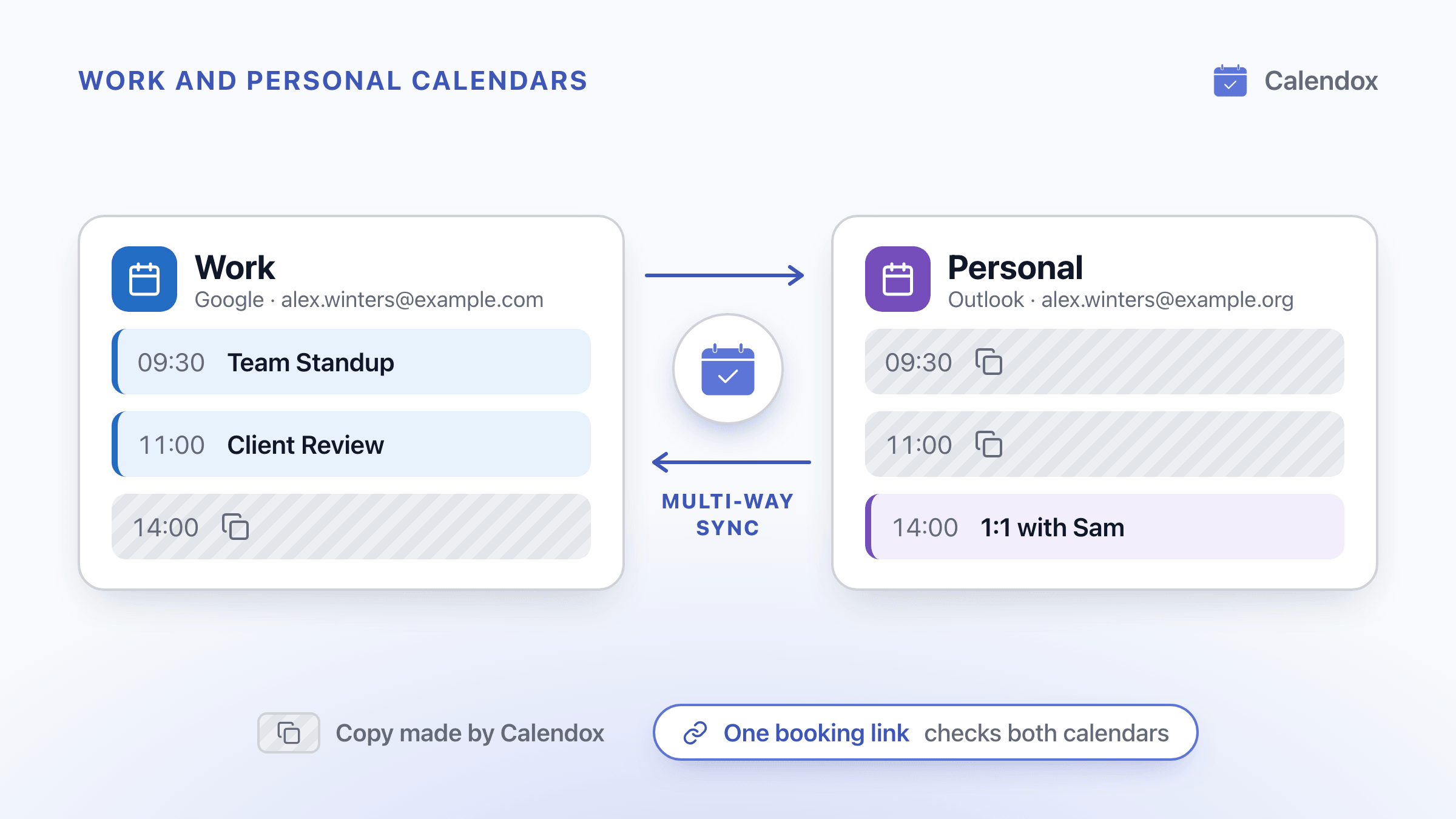
Stop Double-Booking Work and Personal Calendars
Why work and personal calendars double-book you, where Outlook and Google fixes stop, and how to block time privately and share a booking link that checks both.
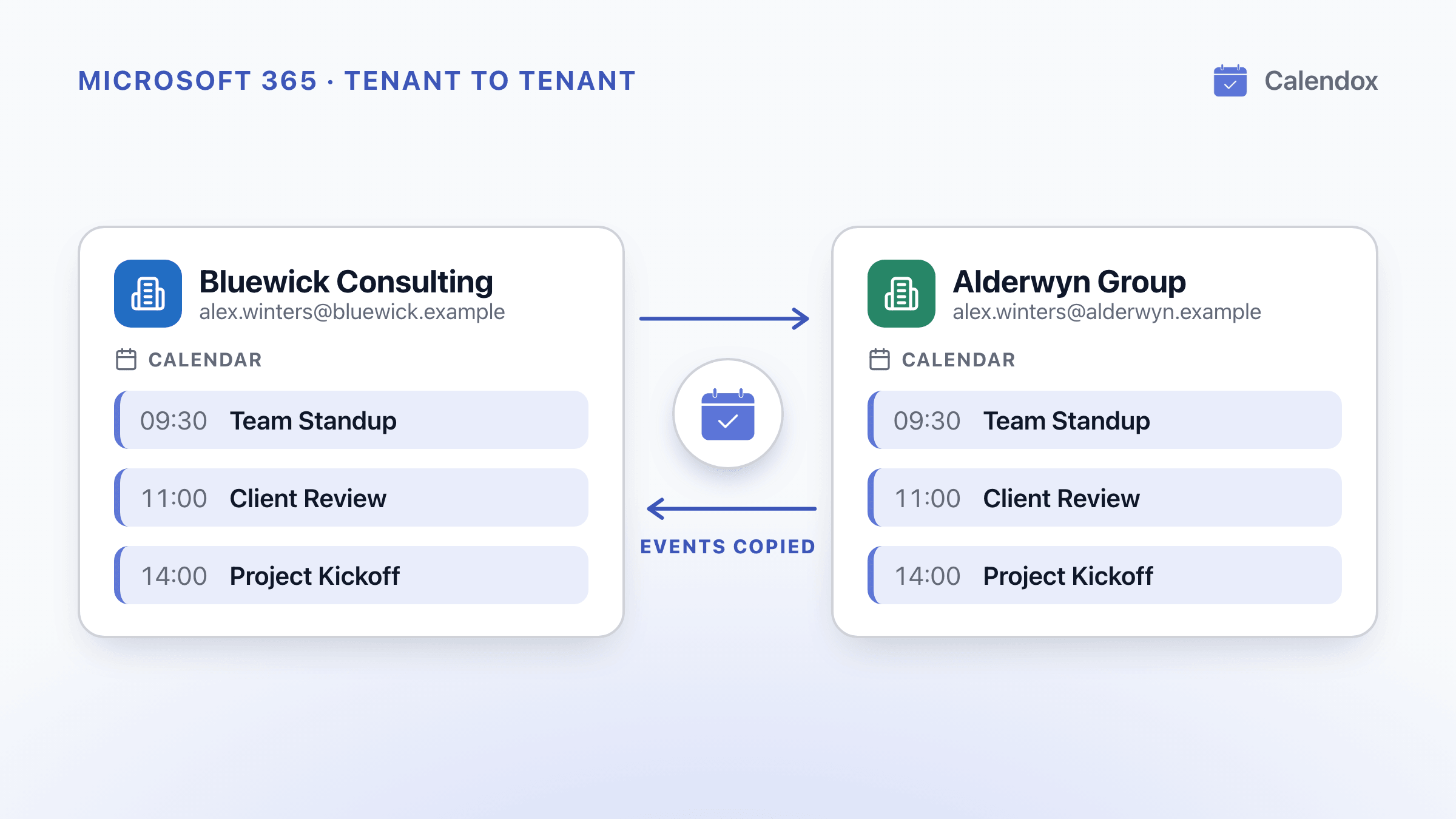
Calendar Sync Between Two Microsoft 365 Tenants
What two Microsoft 365 tenants can share, how the EWS shutdown starting October 1, 2026 affects it, and how to keep events synced across tenants.